SpeedBreaker: Carbon
Rule the canyons of Palmont City once more.
The definitive Need for Speed: Carbon recompilation, out for its 20th anniversary. Built from the 2006 Xbox 360 version and tuned for the screens and handhelds of today.
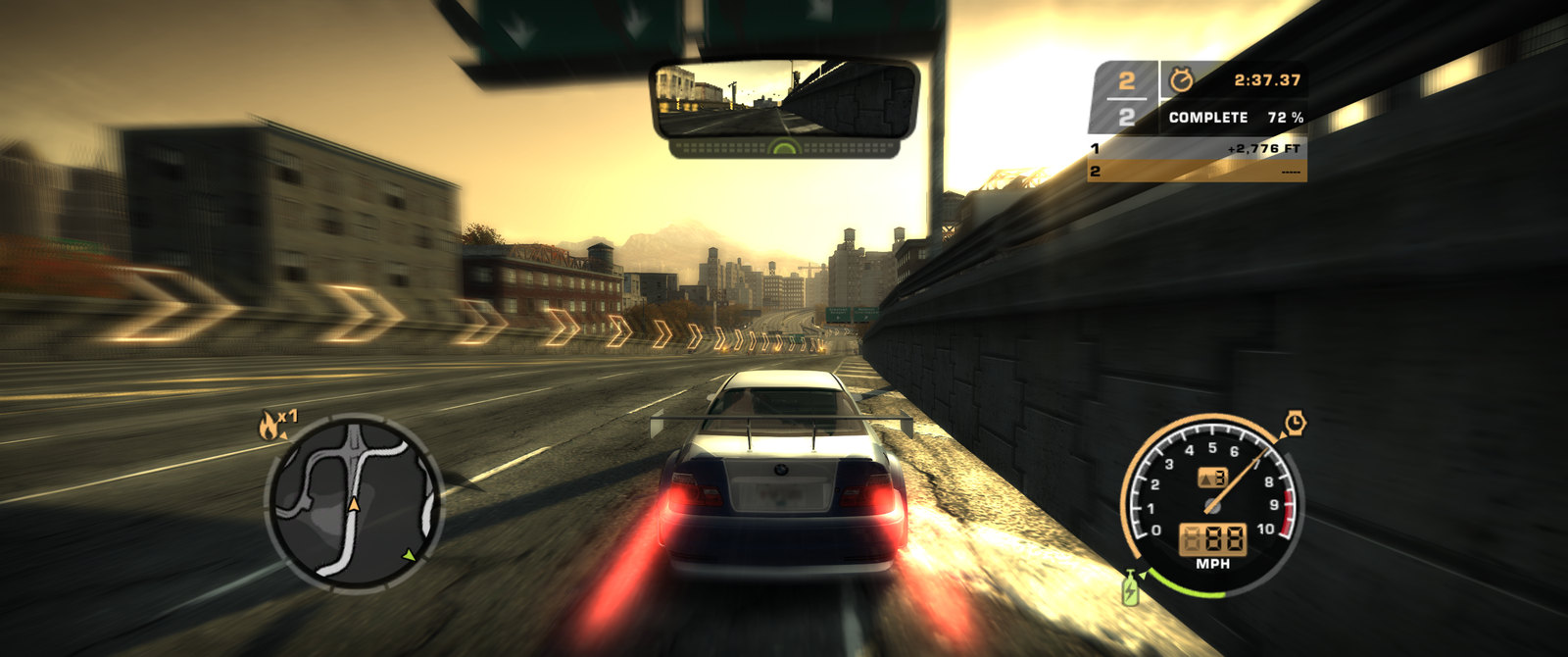
Gameplay captured from SpeedBreaker: Carbon on macOS on an M1 Pro chip at 60 fps, rendered at 1440p and 1080p.
SteamOS
At home on Steam hardware
Handheld, living room or headset: it runs natively on each one.
-
Steam Deck
In your hands, with the built‑in controls.
-
Steam Machine
On your TV or monitor. Ultrawide shows more road.
-
Steam Frame
A giant flat screen in the headset. Not VR.


SteamOS on all three. Install it on each device and add it to Steam, then launch it from your library like any other game. The Steam Frame has its own download.
Why SpeedBreaker
Better than you remember it
The golden-hour haze. The Blacklist. Pursuits that never let up, and every live-action cutscene. It's all here, the way the Xbox 360 drew it, with a few modern comforts on top.
Palmont after dark. Canyon duels. Your crew at your side, and every cutscene. It's all here, the way the Xbox 360 drew it, with a few modern comforts on top.
-
60 fps, and up to 120A steady 60 fps
The game's full 60, paced to your display. With a 120 Hz screen on a Mac or a SteamOS or Linux PC, Smooth Motion draws up to 120. Prefer a steady 30? It's a setting.
The game's full 60, paced to your display, with the movies timed as on the console. Prefer a steady 30? It's a setting.
-
Every screen shape
Ultrawide shows more road; a 4:3 iPad, more above and below. Nothing stretched.
Ultrawide shows more road; the Steam Deck's 16:10, more above and below. Nothing stretched.
-
Sharp, and true to the original
Up to 4K, with the original colours, reflections and low-sun glare.
Up to 4K, with the original colours and the nitrous light trails at full length.
-
On the devices you own
Steam Deck, Steam Machine, Steam Frame, Linux PCs and Macs, plus iPhone and iPad.
Steam Deck, Steam Machine, Steam Frame, Linux PCs and Macs, plus iPhone and iPad.
-
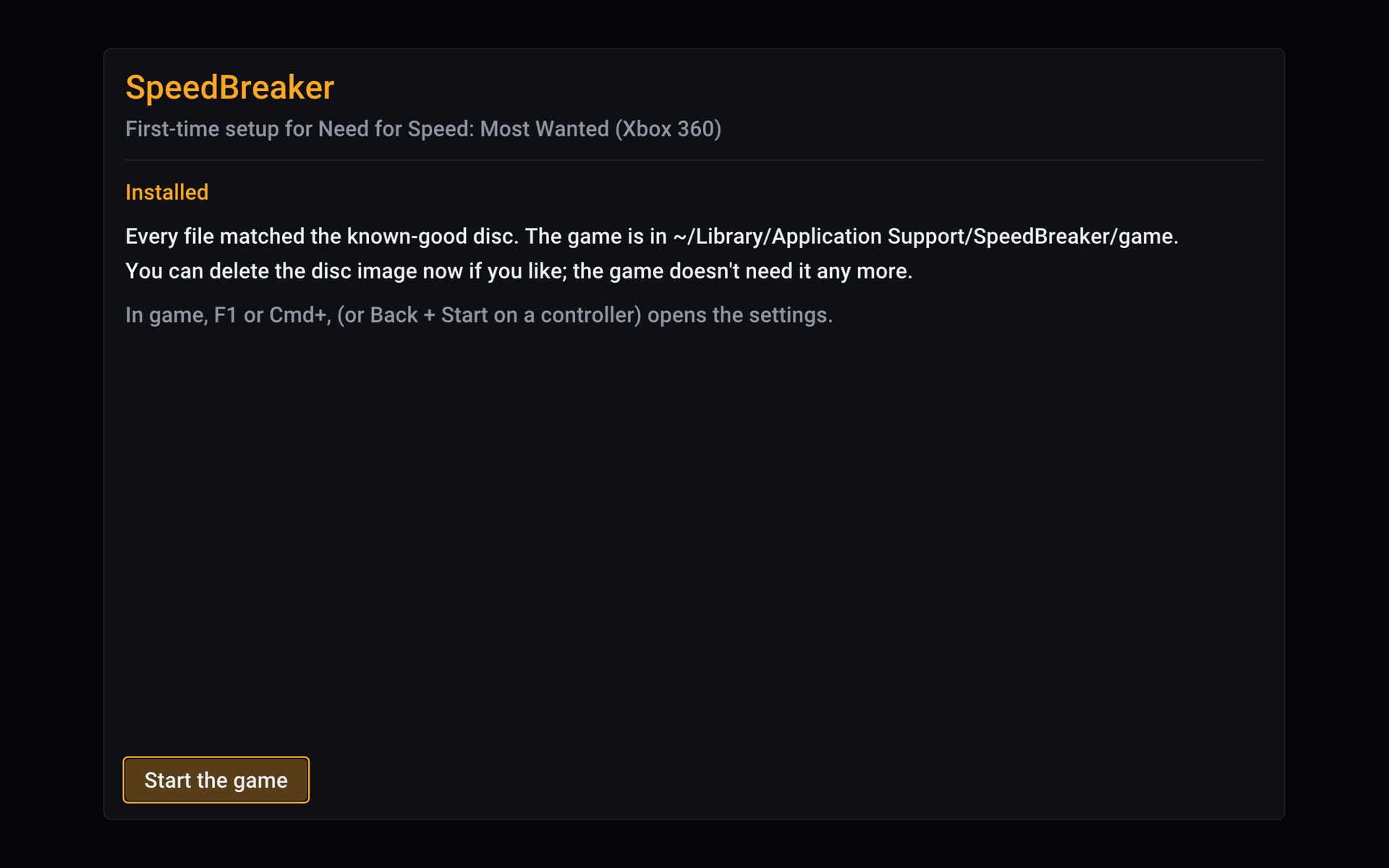
Installs in a few clicks
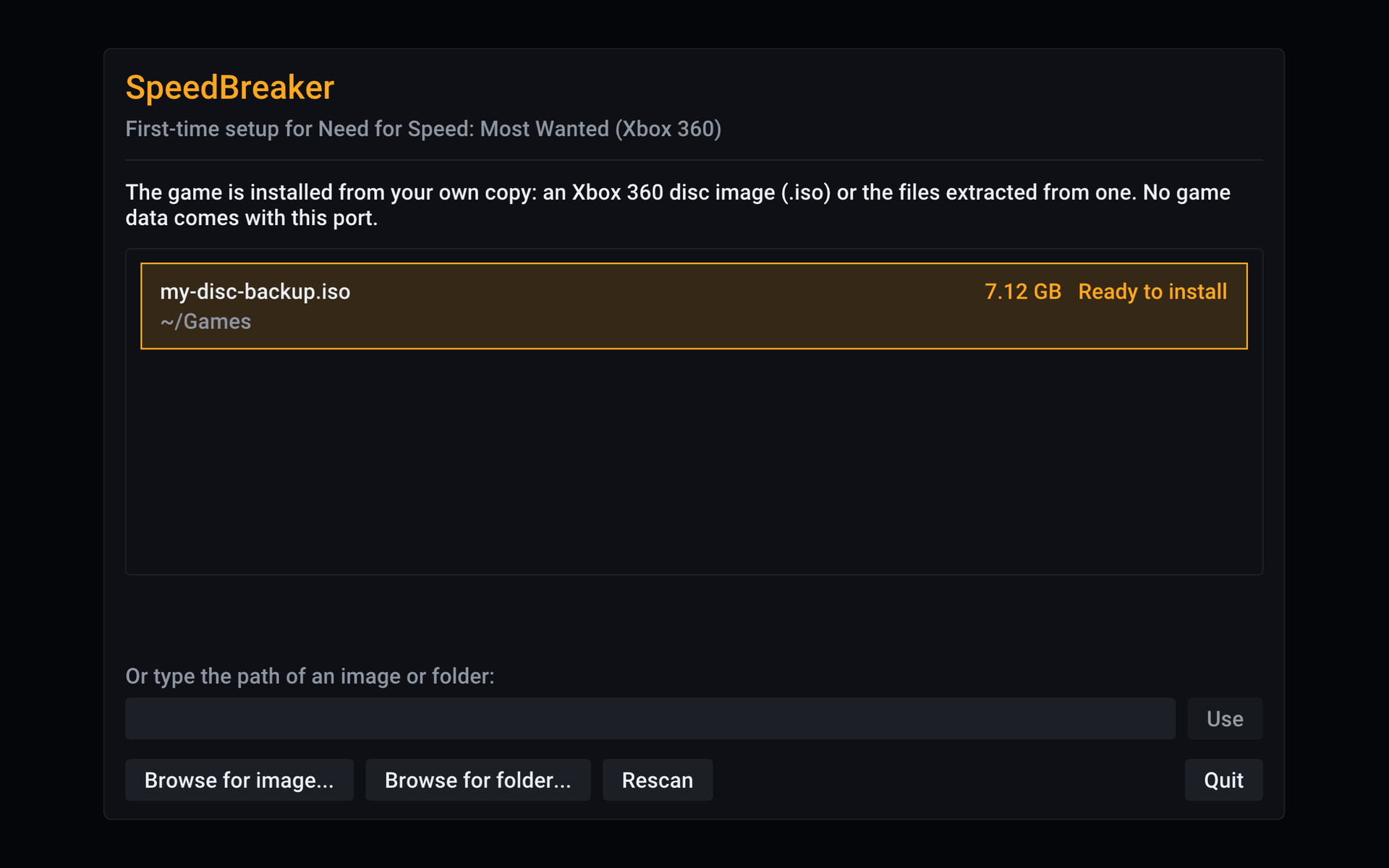
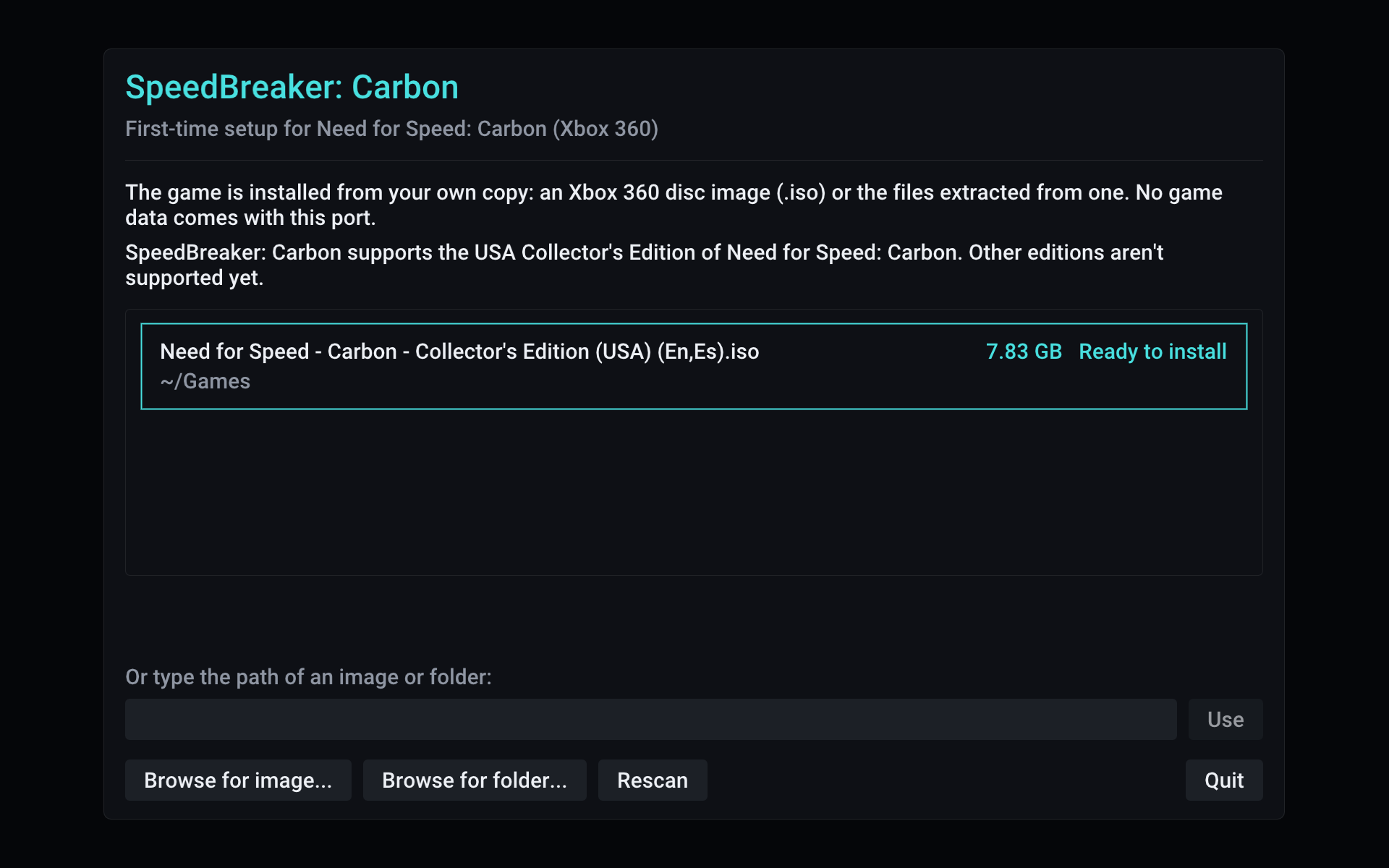
Point it at your disc backup. It checks every file and sets the game up for you.
-
Race a friend, side by sideYour controller, or the keyboard
The Xbox 360's two-player split screen is back: two controllers, one screen. Any controller plays like an Xbox 360 pad, rumble included, and steering wheels work too (experimental).
Any controller plays like an Xbox 360 pad, rumble included, and every keyboard key can be reassigned.
Collector's Edition
More on the disc
SpeedBreaker: Carbon installs from the Collector's Edition, so every extra on that disc is there from your first start. No mods needed.
-
4 exclusive cars
The Chevrolet Camaro Concept, Jaguar XK, Koenigsegg CCX and Nissan 240SX, found only on this disc.
-
10 pre-tuned cars
Tuned versions of cars already in the game, ready to race.
-
9 Challenge Series events
Three new series, each in bronze, silver and gold.
-
12 Quick Race routes
Three circuits, three sprints and six drift courses.
-
10 unique vinyls
More ways to make your car your own in the garage.
-
On your disc, no mods
It all comes from the Collector's Edition you install from. Nothing is added or changed.
How it works
Three steps to the starting line
-
Step 1: Back up your disc
Make a disc image of your own Xbox 360 copy (the USA release, or the Spanish PAL one). SpeedBreaker comes with no game files.
Make a disc image of your own Xbox 360 copy of the USA Collector's Edition. SpeedBreaker: Carbon comes with no game files.
-
Step 2: Download SpeedBreaker: Carbon
Get it for Steam Deck, Steam Machine, Steam Frame, Linux or Mac. On iPhone and iPad, sideload the experimental IPA or build it yourself.
Get it for Steam Deck, Steam Machine, Steam Frame, Linux or Mac. On iPhone and iPad, sideload the experimental IPA or build it yourself.
-
Step 3: Point it at your disc image
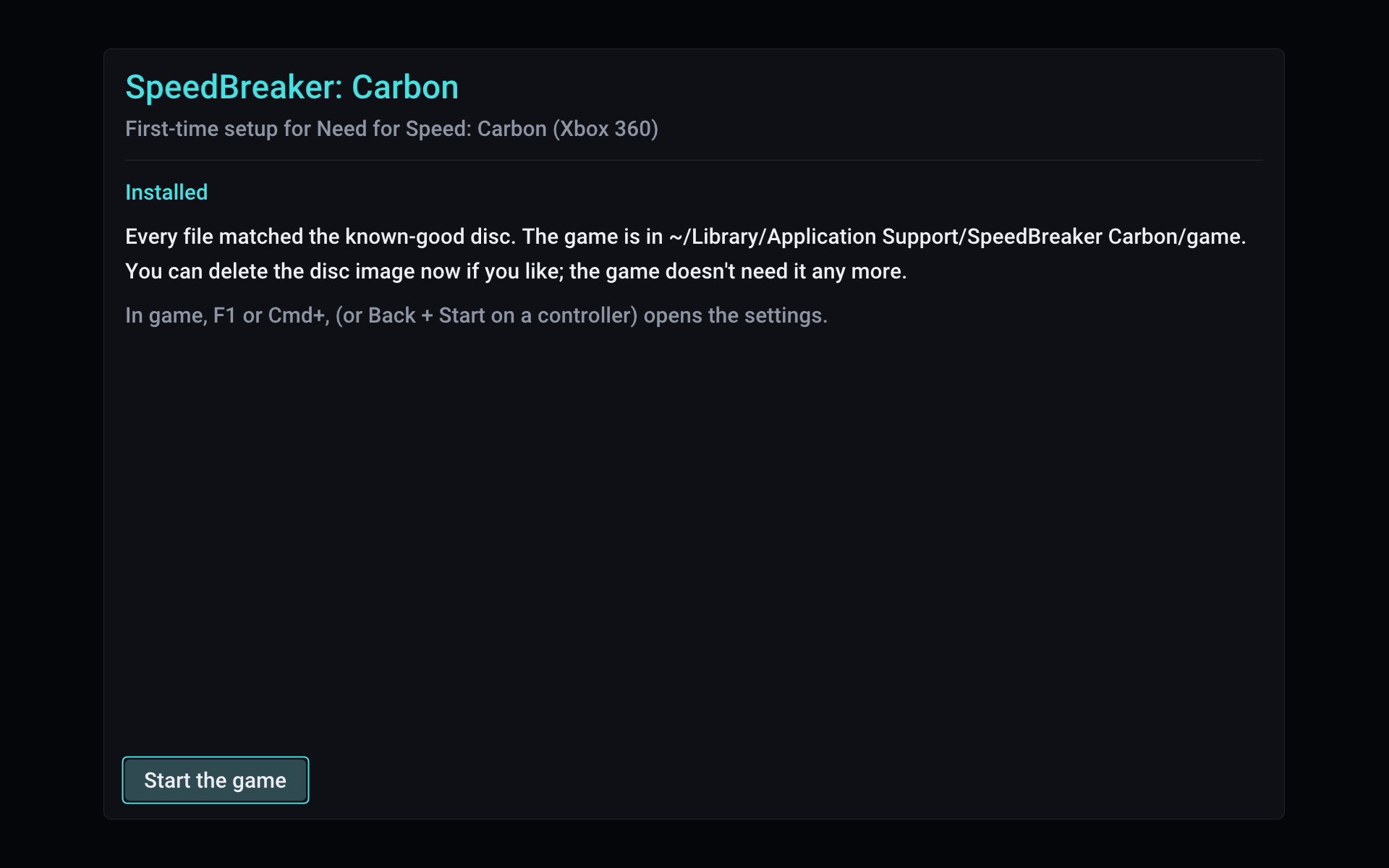
It finds the image, checks every file and installs the game. Then hit the road.
Step-by-step setup for each device Step-by-step setup for each device
Screenshots
Straight out of SpeedBreaker
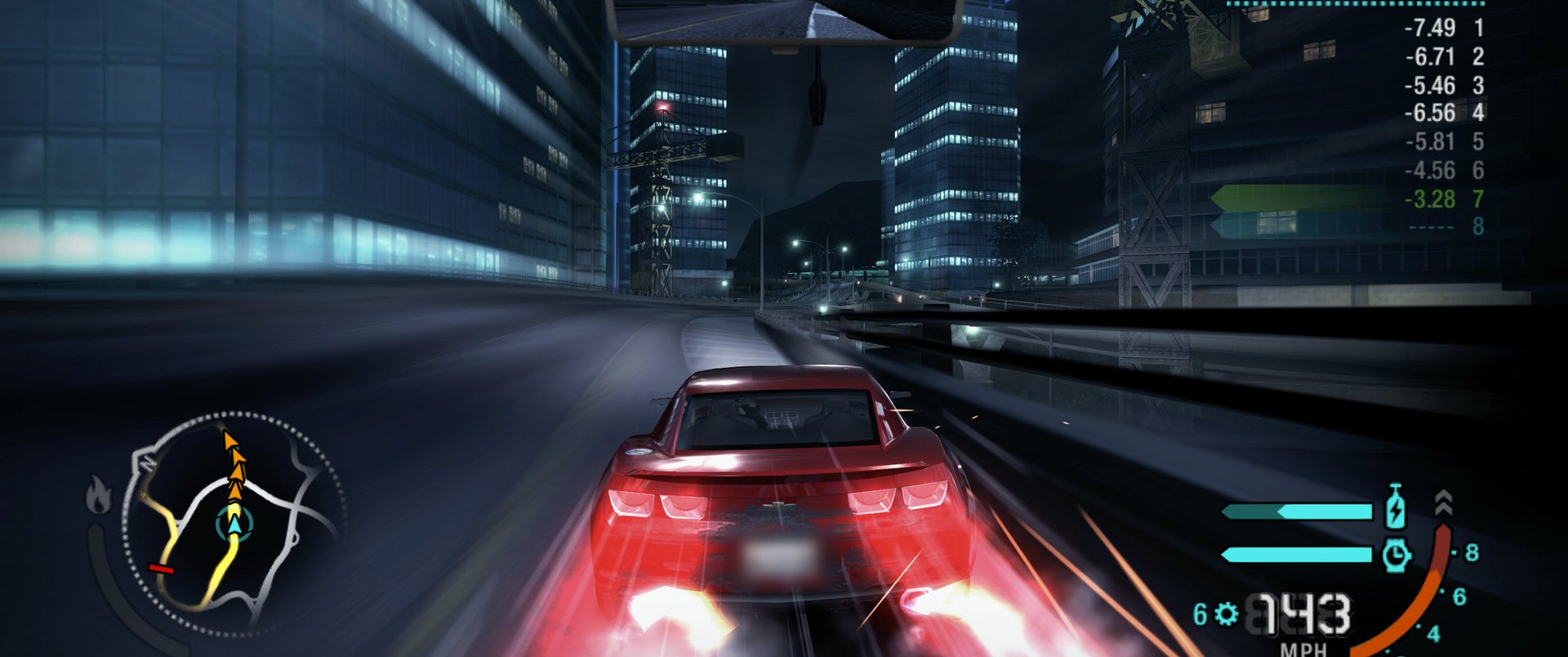
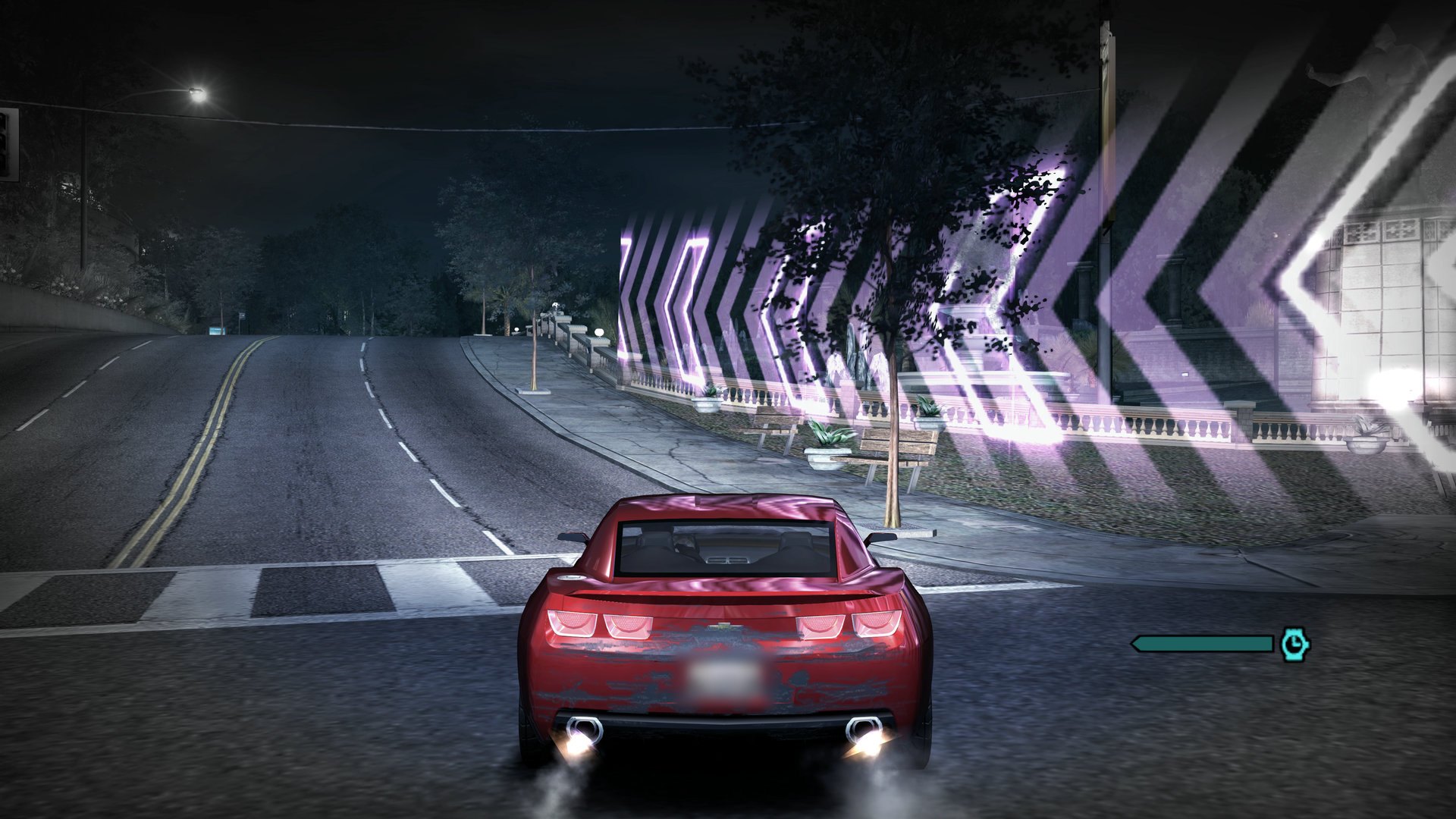
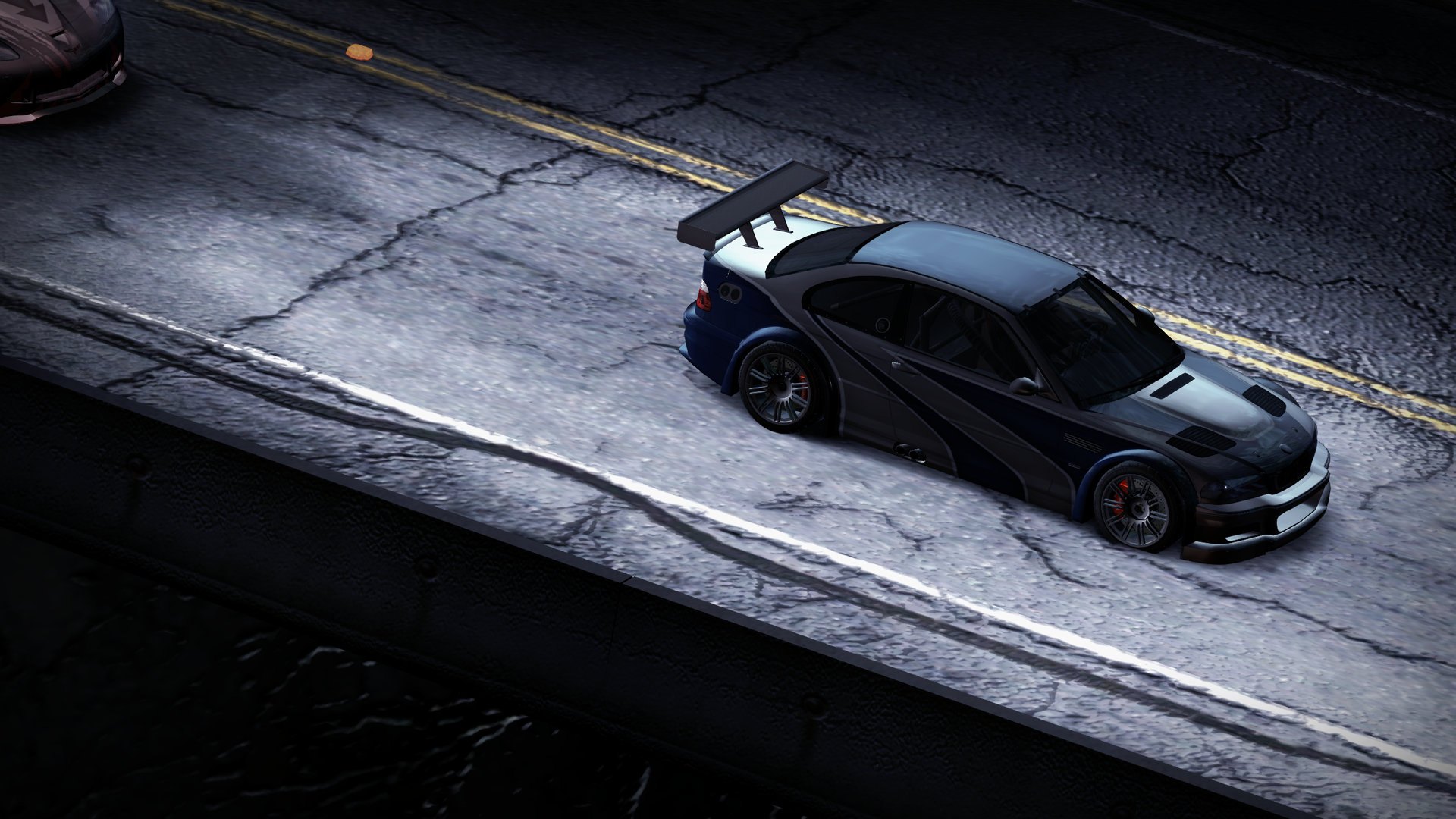
Real frames from the game running in SpeedBreaker. Tap any shot to see it full size.
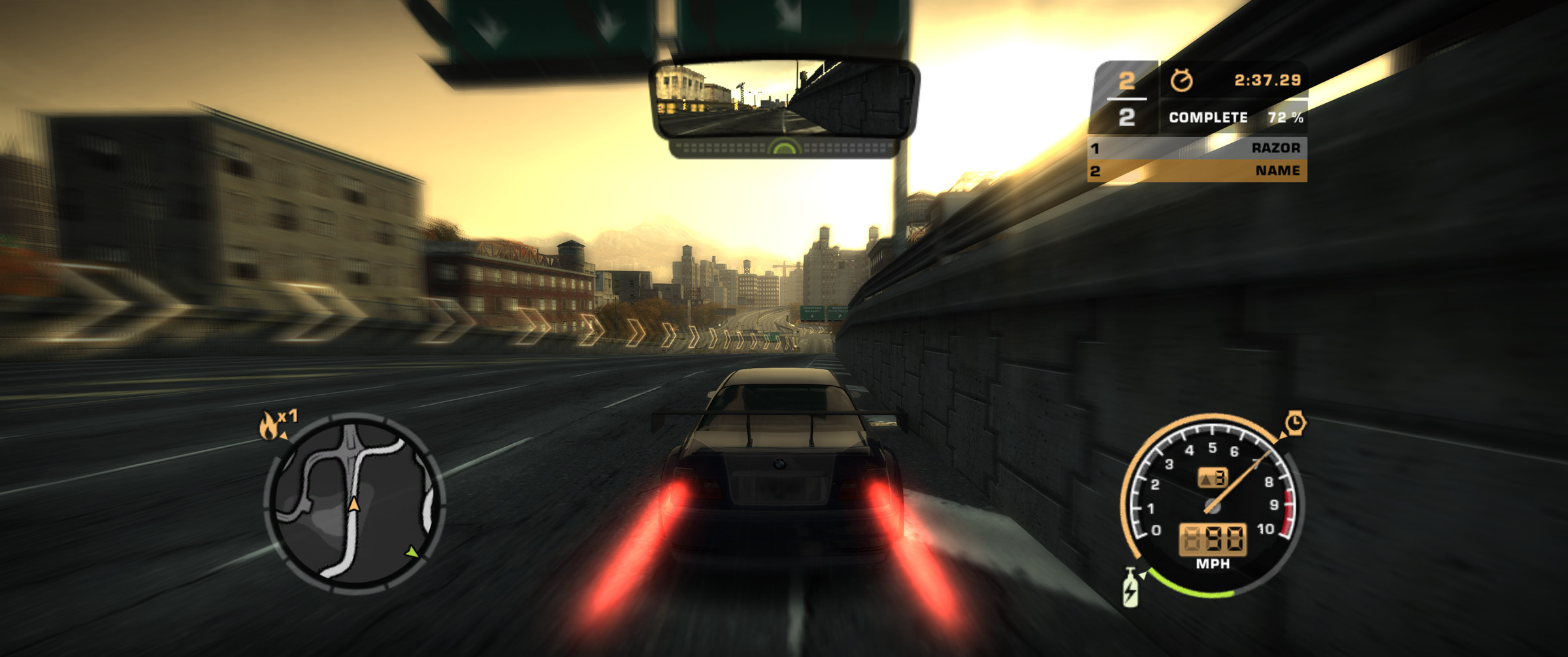
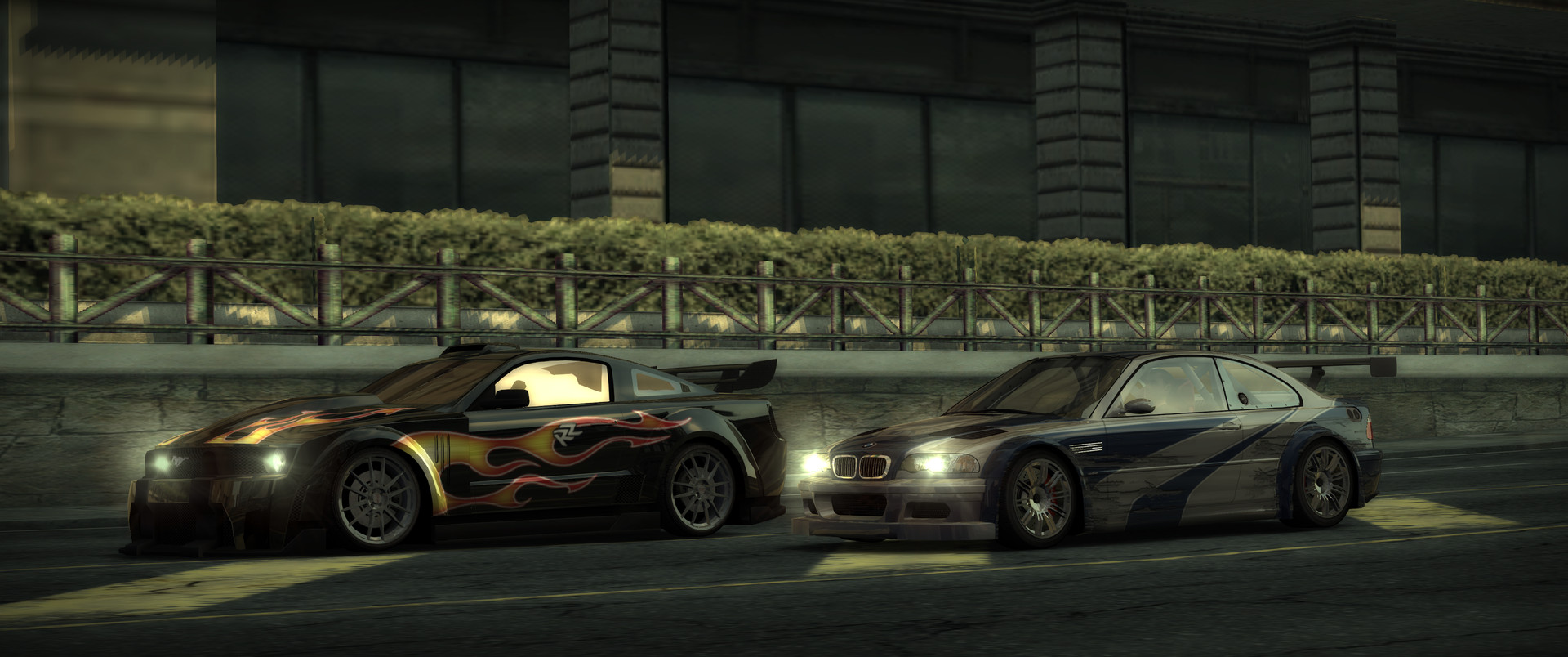
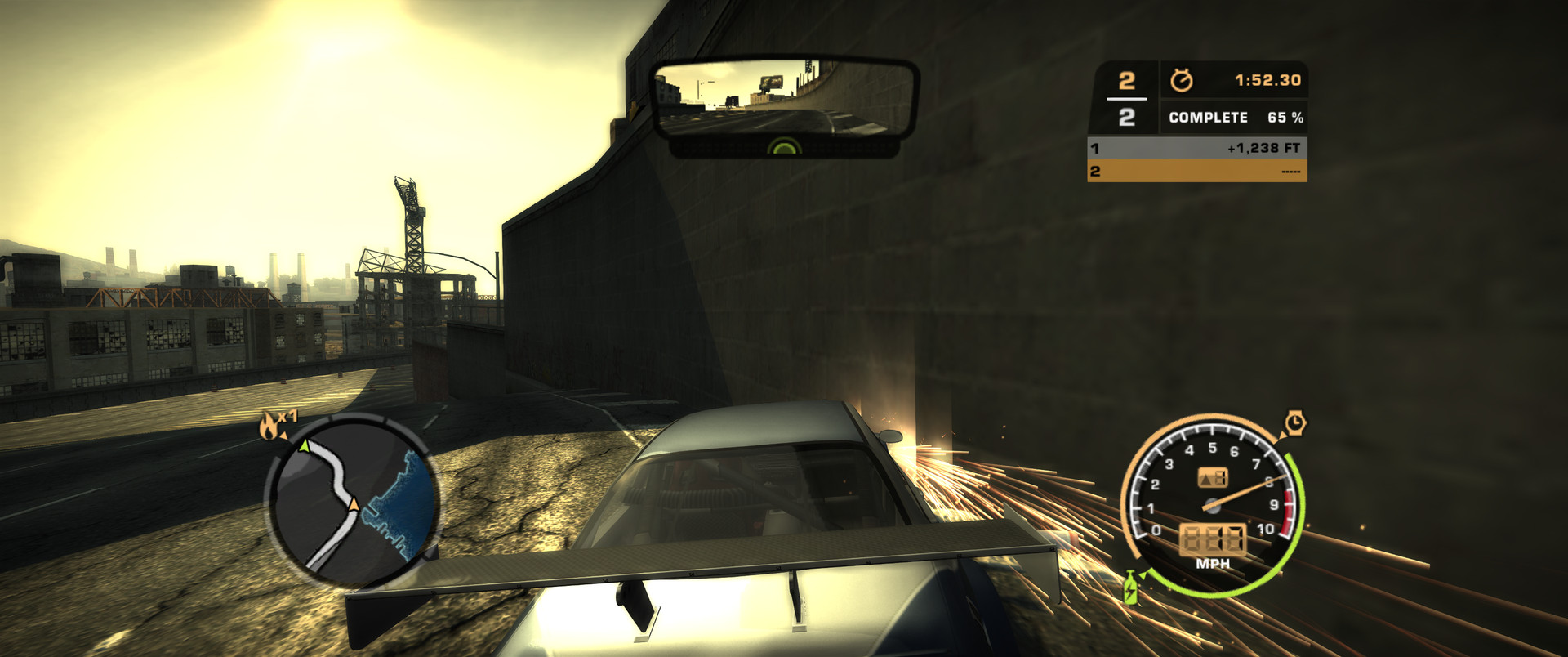
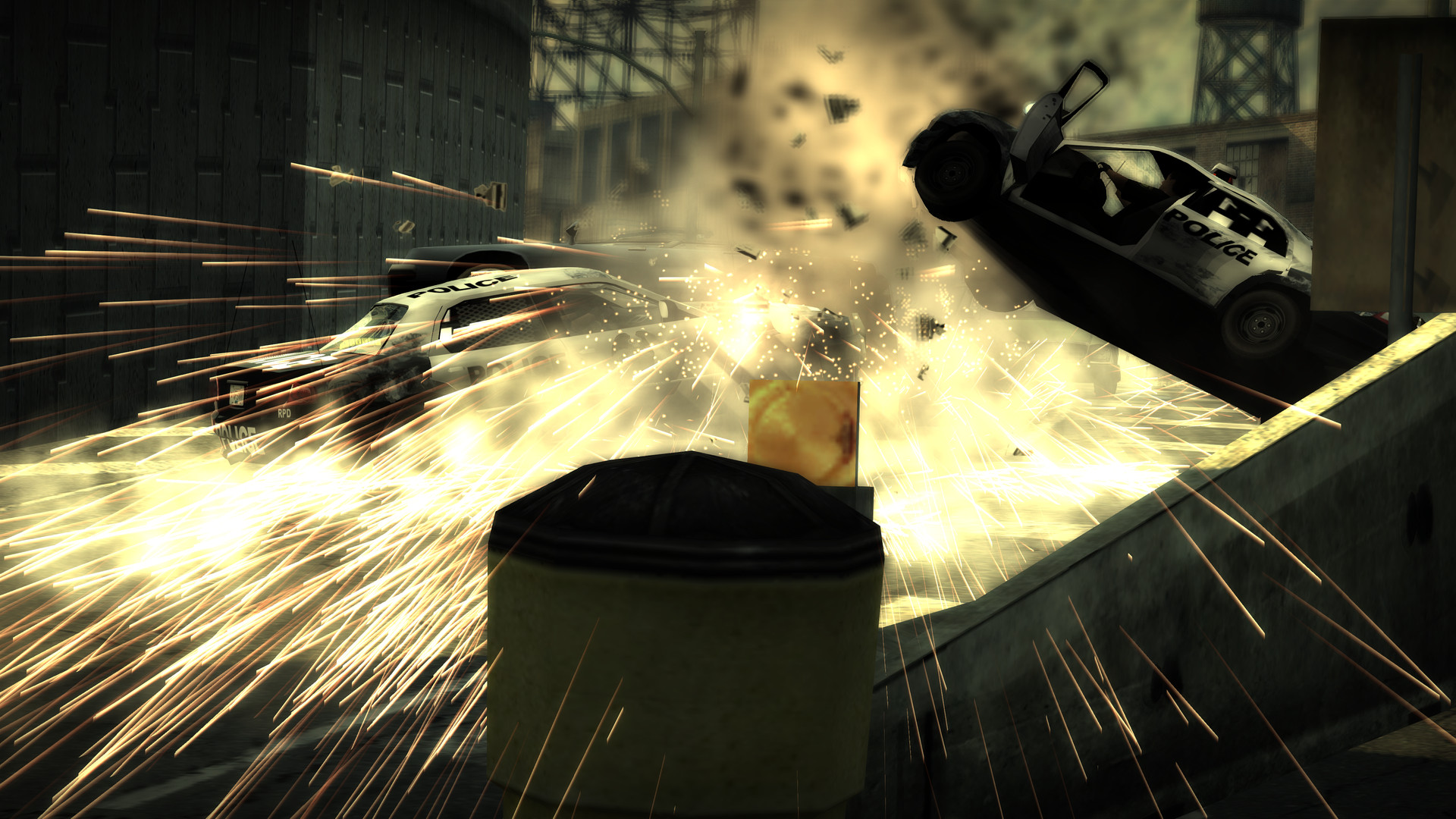
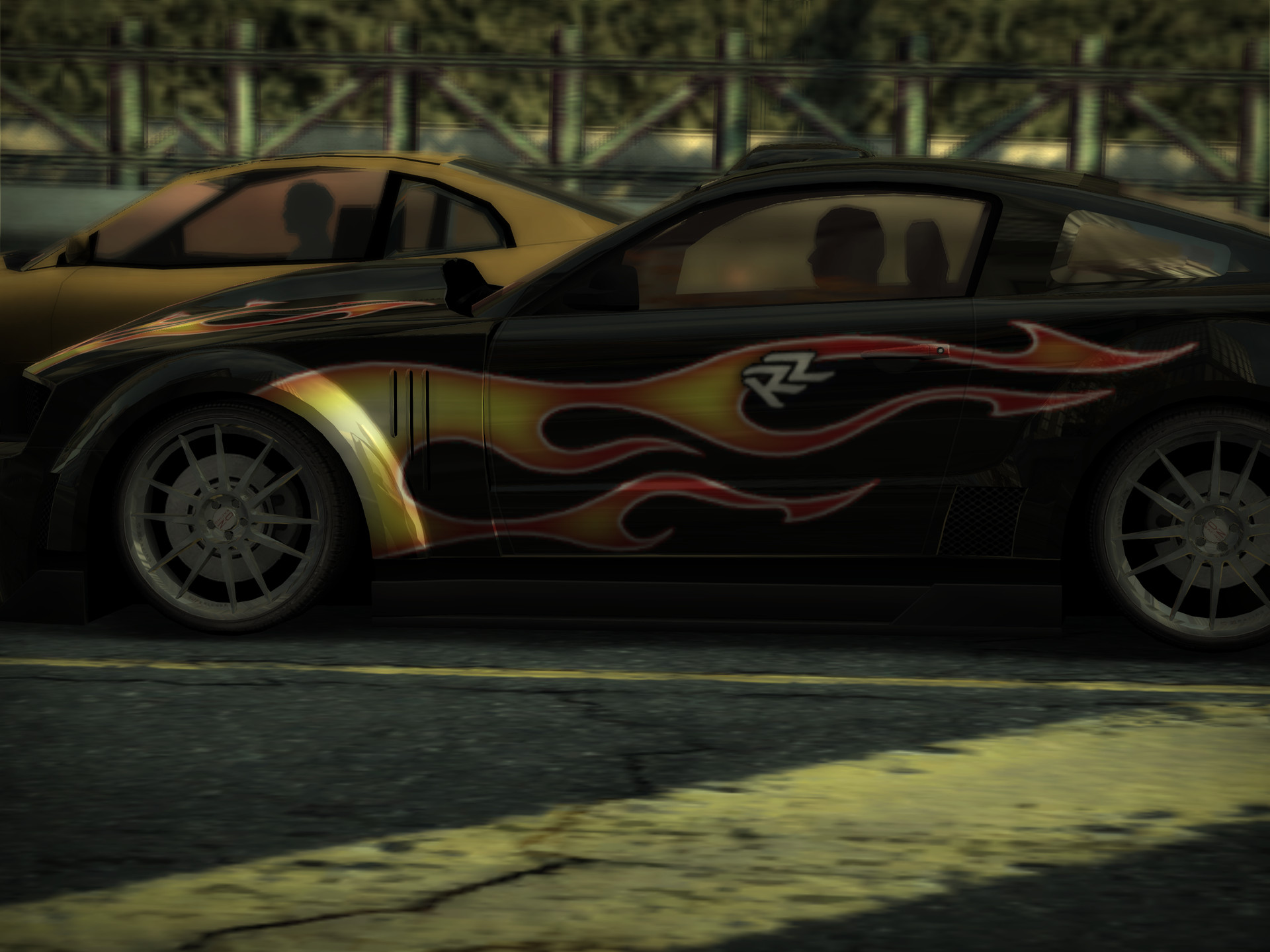
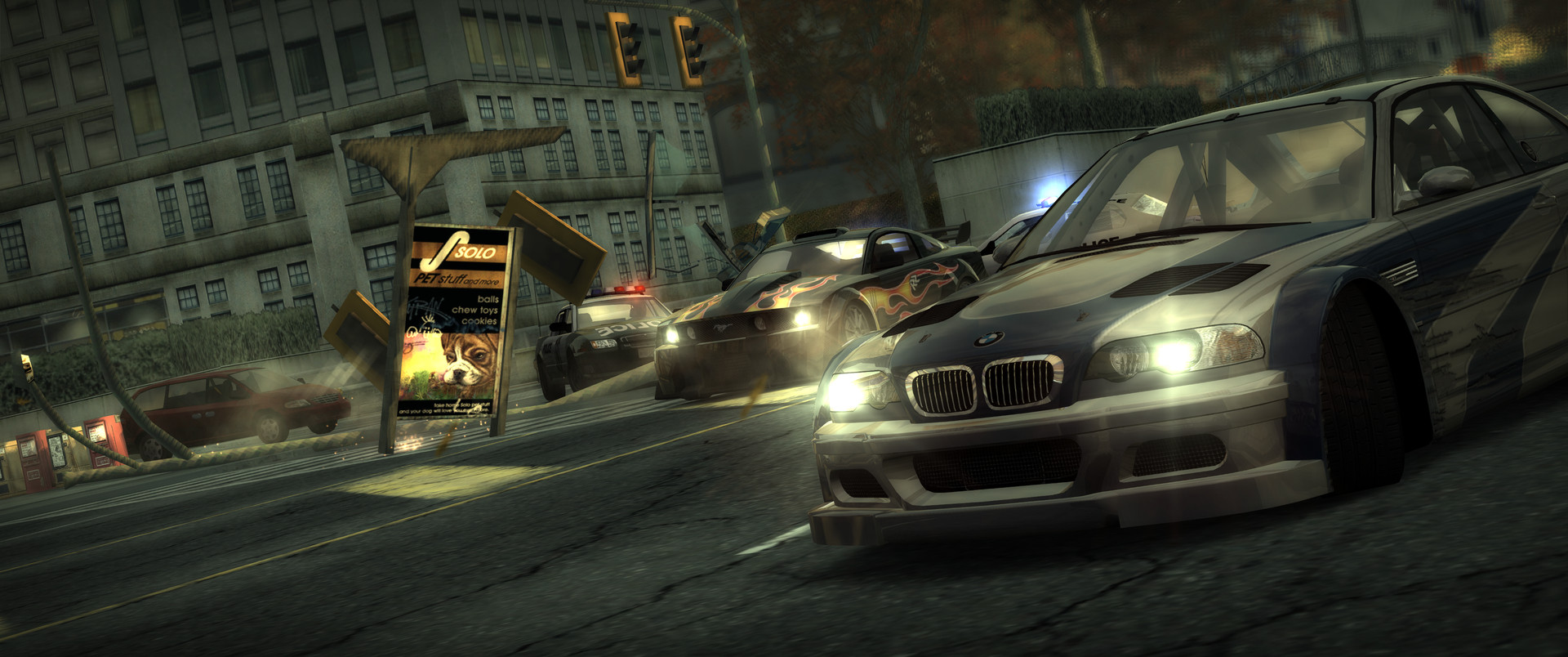
Screenshots
Straight out of SpeedBreaker: Carbon
Real frames from the game running in SpeedBreaker: Carbon. Tap any shot to see it full size.
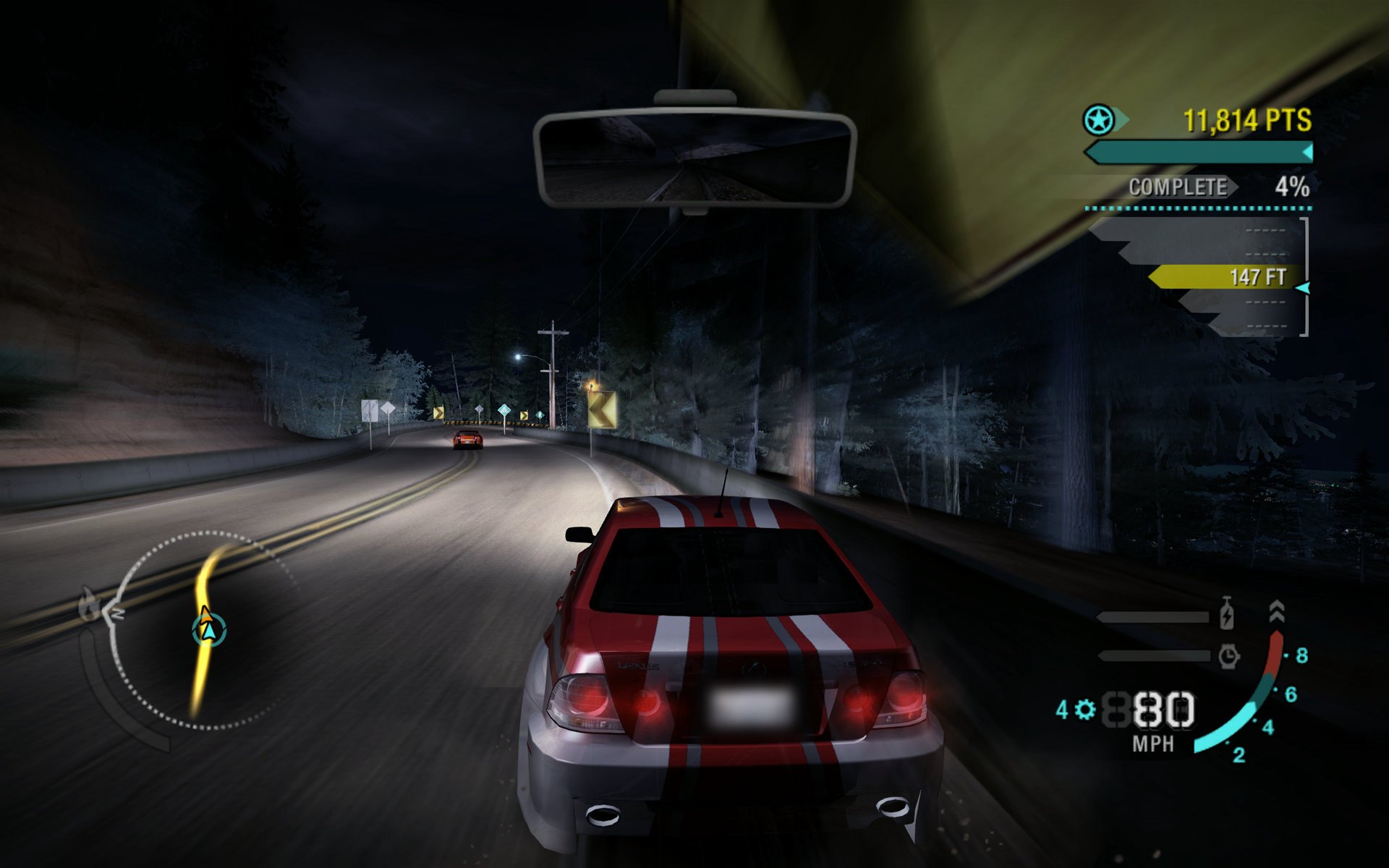
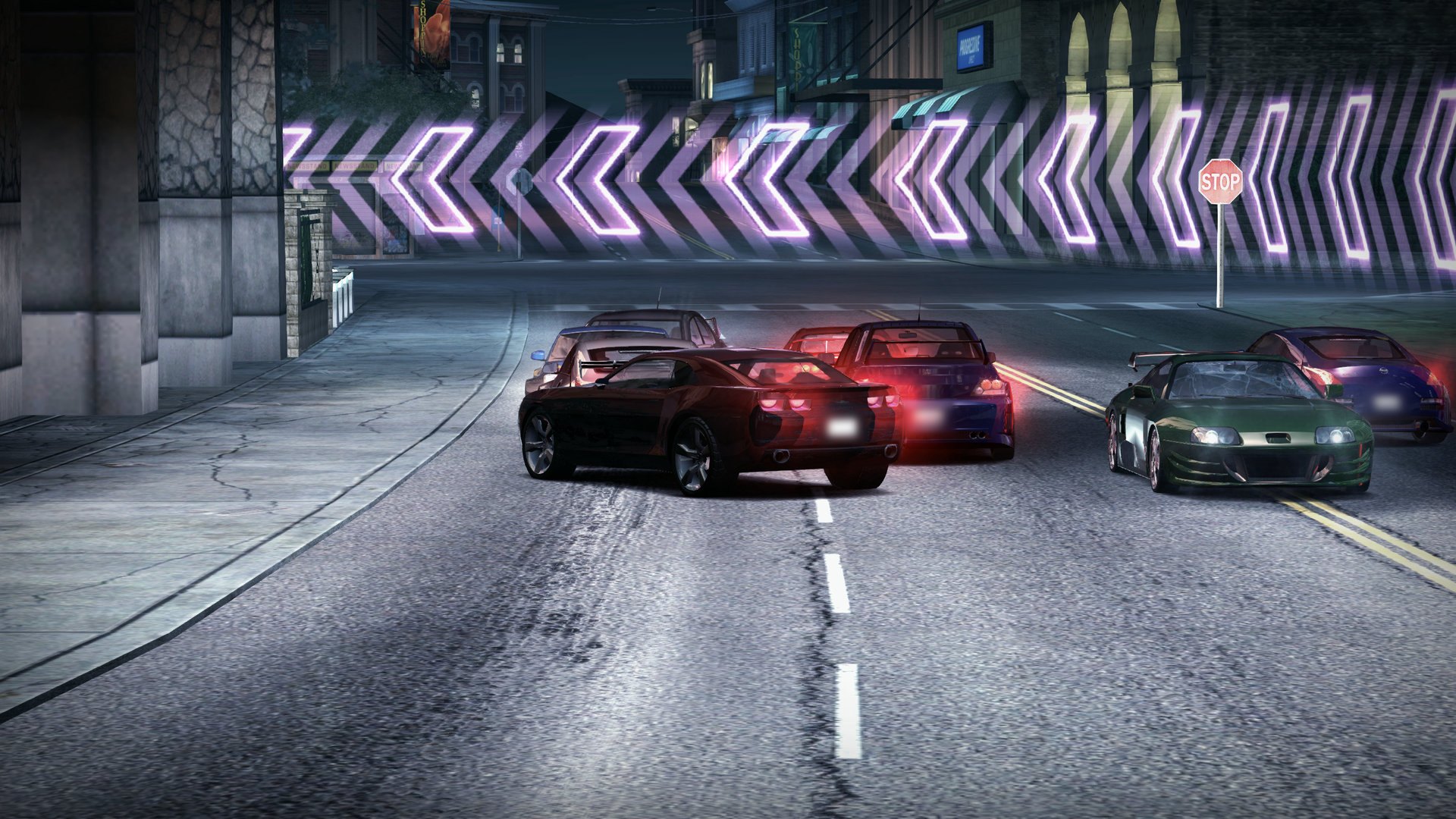
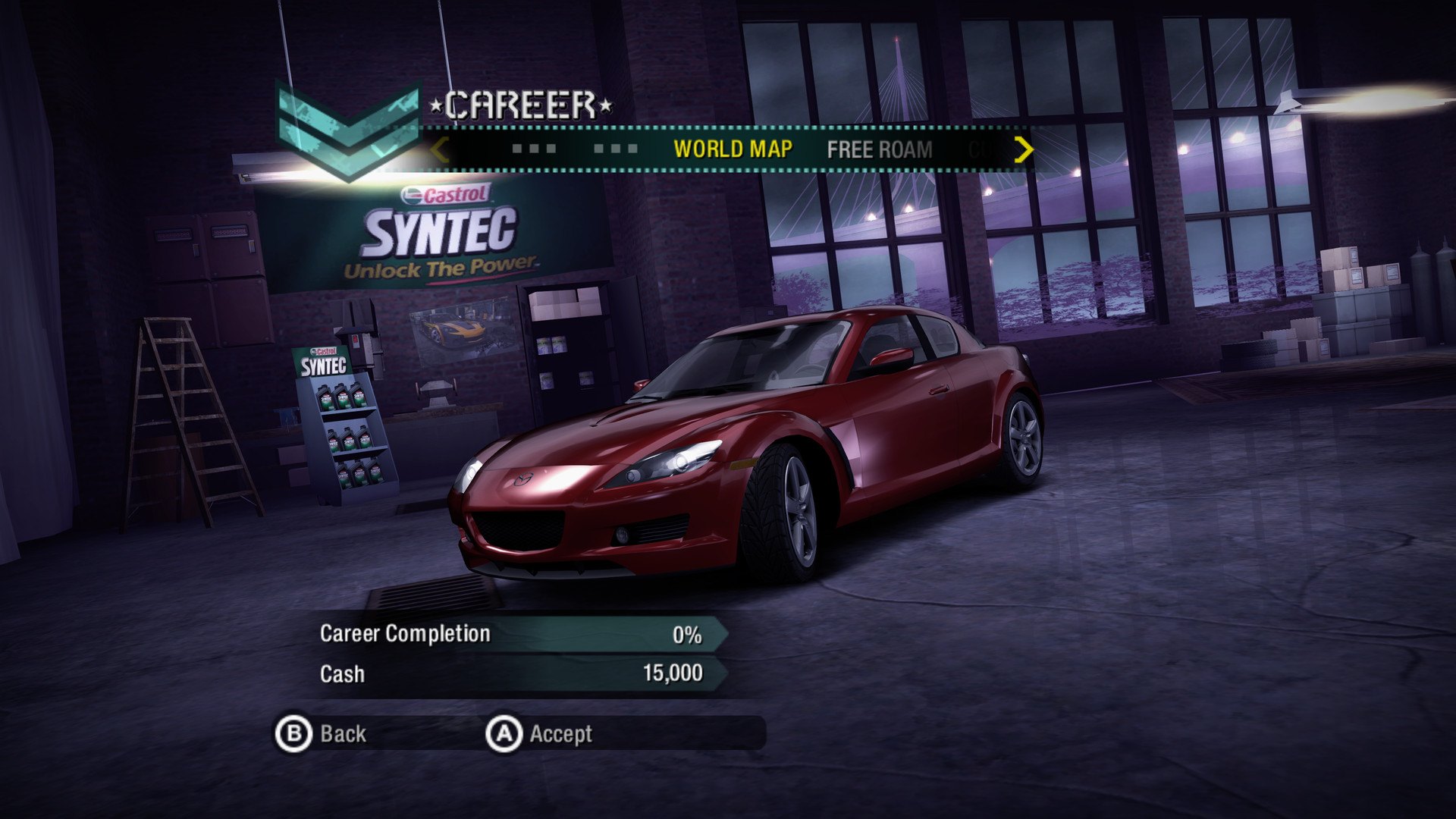
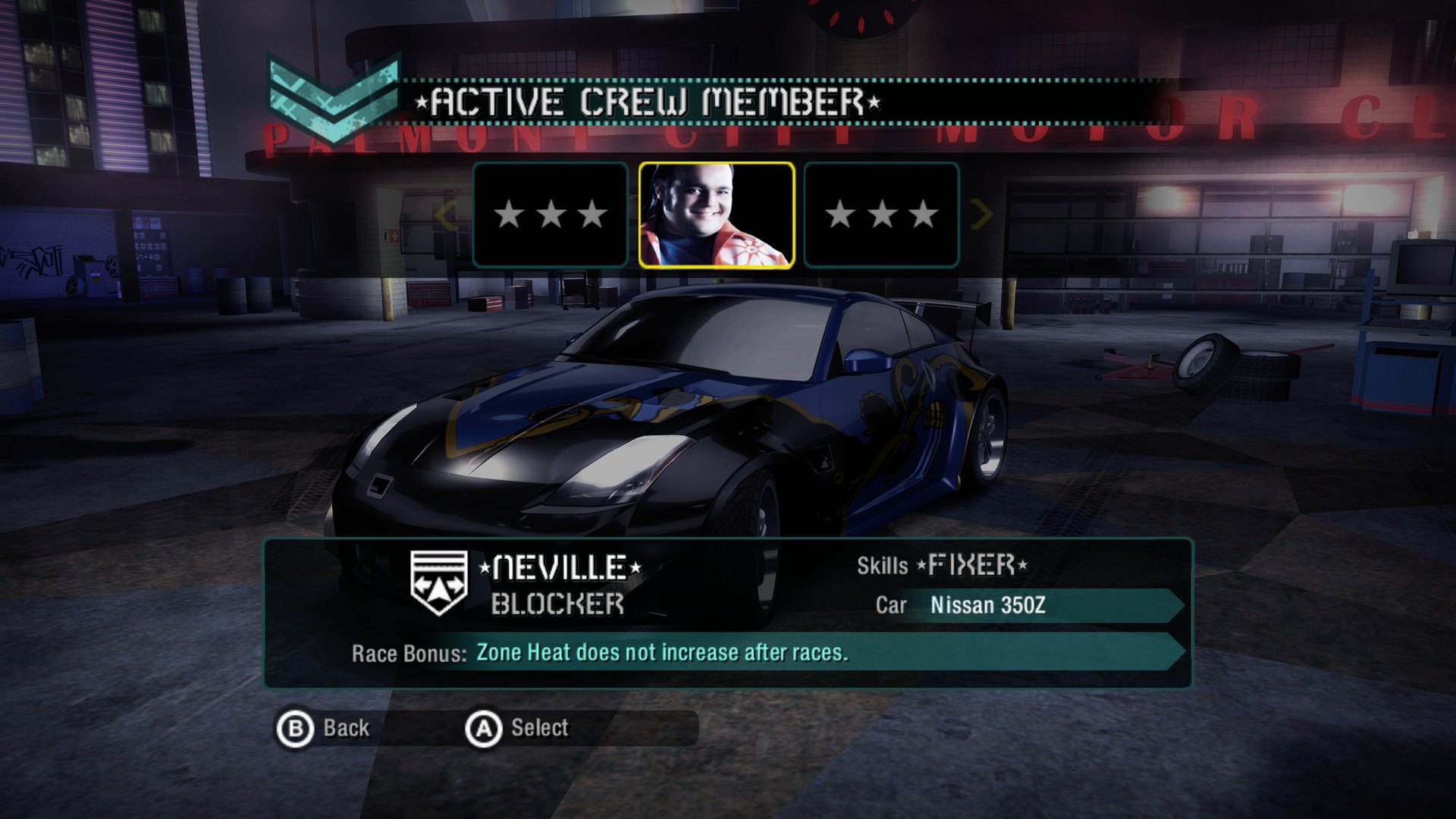
Platforms
Pick your device
Every device, and what it needs.
-
Steam Deck
DownloadOn a Deck OLED, set the screen to 60 Hz for smooth motion. Tested on the OLED, not yet the LCD.
-
Steam Machine
DownloadIn Steam, set its Game Resolution to Native. Tested on a 3440×1440 ultrawide, which shows more road.
-
Steam Frame
DownloadSet Frame Rate to 30 fps for the smoothest ride in the headset. A flat screen, not VR. Its own version, for the Frame only.
-
Linux PC
DownloadAn Intel or AMD processor with AVX2, and Vulkan 1.2 graphics. Tested on SteamOS; players report Fedora and Ubuntu working too.
-
Mac
DownloadApple silicon, macOS 15 or later. Not notarized by Apple yet: allow it in Privacy & Security.
-
iPhone & iPad
Sideload or buildAn experimental IPA to sideload with your Apple Account, or build it with Xcode on a Mac. A controller or keyboard; iOS or iPadOS 17 or later, on an iPhone 13 or newer or an M‑series iPad.
-
Windows
BetaWindows 10 or 11, 64-bit, with an AVX2 processor and Vulkan 1.2 graphics. A beta, on its own pre-release on the releases page: reports from your PC help a lot.
-
Android, coming soon
On the way, for phones, tablets and Android handhelds. No date yet.
-
Steam Deck
DownloadOn a Deck OLED, set the screen to 60 Hz for smooth motion, and leave the Framerate Limit off.
-
Steam Machine
DownloadIn Steam, set its Game Resolution to Native. Ultrawide shows more road.
-
Steam Frame
DownloadA flat screen in the headset, not VR. Its own version, for the Frame only.
-
Linux PC
DownloadAn Intel or AMD processor with AVX2, and Vulkan 1.2 graphics. Tested on SteamOS; reports from other distributions are welcome.
-
Mac
DownloadApple silicon, macOS 15 or later. Not notarized by Apple yet: allow it in Privacy & Security.
-
iPhone & iPad
Sideload or buildIts own app, beside Most Wanted’s. An experimental IPA to sideload with your Apple Account, or build it with Xcode on a Mac. A controller or keyboard; iOS or iPadOS 17 or later, on an iPhone 13 or newer or an M‑series iPad.
-
Windows
BetaWindows 10 or 11, 64-bit, with an AVX2 processor and Vulkan 1.2 graphics. A beta, on its own pre-release on the releases page: reports from your PC help a lot.
-
Android, coming soon
On the way, for phones, tablets and Android handhelds. No date yet.
FAQ
Quick answers
Is this an official EA product?
No. SpeedBreaker is an unofficial fan project, not affiliated with, endorsed by or sponsored by Electronic Arts or the Need for Speed brand.
Does it come with the game?
No. You need a backup of your own Xbox 360 disc. SpeedBreaker doesn't include, provide or link to game files.
Which copy of the game do I need?
The USA Collector's Edition for Xbox 360: its case and cover say Collector's Edition. The standard edition, other regions, Games on Demand and the PC version aren't supported yet; the installer checks your copy and tells you. Which copy do I need?
The USA Xbox 360 disc (English), or since v0.2.0 the European PAL disc with Spanish movies and speech. The installer checks your copy and says which one it found. Other European discs, such as the German one, and Japanese discs aren't supported yet: each region's disc has its own version of the game's program, and SpeedBreaker has to be prepared for each one before it can run it.
Is it an emulator?
No. It's a static recompilation: the game's Xbox 360 code was translated ahead of time into a native app for your device, so that code runs directly instead of being emulated.
Can it run above 60 fps?
Not yet. SpeedBreaker: Carbon runs at a steady 60 (or 30, if you prefer), locked to your display; Smooth Motion, which draws up to 120 in SpeedBreaker for Most Wanted, isn't in this first release. Set a 120 Hz screen to 60 Hz for the smoothest picture.
On a Mac with a 120 Hz screen, or a SteamOS or Linux PC at 120 or 90 Hz, yes: turn on Smooth Motion (Settings › Display, then restart the game) for up to 120 fps. Most Wanted's physics, AI and timers are built around 60 steps a second, so SpeedBreaker keeps those at 60 and draws an extra picture between each two, which keeps the gameplay exactly as it is. In very heavy scenes it eases off, down to an even 60 for a moment. The Steam Deck stays at a steady 60, and Windows is 60 for now.
My Mac says it can't open SpeedBreaker.
The Mac app isn't notarized by Apple yet. Try to open it once, then go to System Settings › Privacy & Security, click Open Anyway and confirm with your password. You only need to do this once per download, so once more after each update. SpeedBreaker needs macOS 15 or later, and runs on macOS 26 and 27 too.
Does it run on Intel Macs?
Not right now. The Mac download needs Apple silicon (M1 or newer) and macOS 15 or later. An Intel Mac version may come later, but there's no Intel Mac to test it on yet. On x86 PCs, SpeedBreaker needs a processor with AVX2: Intel Haswell (2013) or newer, or AMD Excavator or Zen.
How do I get it on iPhone or iPad?
It isn't on the App Store. Since v0.1.2 each release has an experimental IPA that a sideloading tool such as AltStore signs with your own Apple Account; it hasn't been tried on a device yet, with a paid or a free account, and a free one may not give the game all the memory it asks for. Or build it yourself with Xcode on a Mac. It needs iOS 17 or later (iPhone 13 or newer, or an M‑series iPad) and a controller or keyboard. How it works
Can I play in another language?
Not yet: the language choice isn't in this first release, so it plays in its disc's language.
Yes. Settings › Game › Language has French, German, Italian, Spanish, Dutch, Swedish, Danish, Polish and Finnish. Menus and race text switch; the movies and voices stay in English, as on the USA disc.
Does it fill the Steam Deck's screen?
Yes. It fills the Deck's 16:10 screen with a slightly taller view, drawn at all 1280x800 pixels, with the HUD where it belongs and nothing stretched. Prefer the console's 16:9 picture with thin bars? Set Settings › Display › Aspect Ratio to 16:9. On a Deck OLED, set the screen to 60 Hz for smooth motion.
Yes, since v0.1.1. The Deck's screen is a little taller than the game, so you see a little more above and below, with the HUD where it belongs and nothing stretched. Since v0.1.9 it uses all 1280x800 pixels, so it's sharper too. Prefer the console's 16:9 picture with thin bars? Set Settings › Display › Aspect Ratio to 16:9. On a Deck OLED, set the screen to 60 Hz for smooth motion.
Is there something between 1x and 2x?
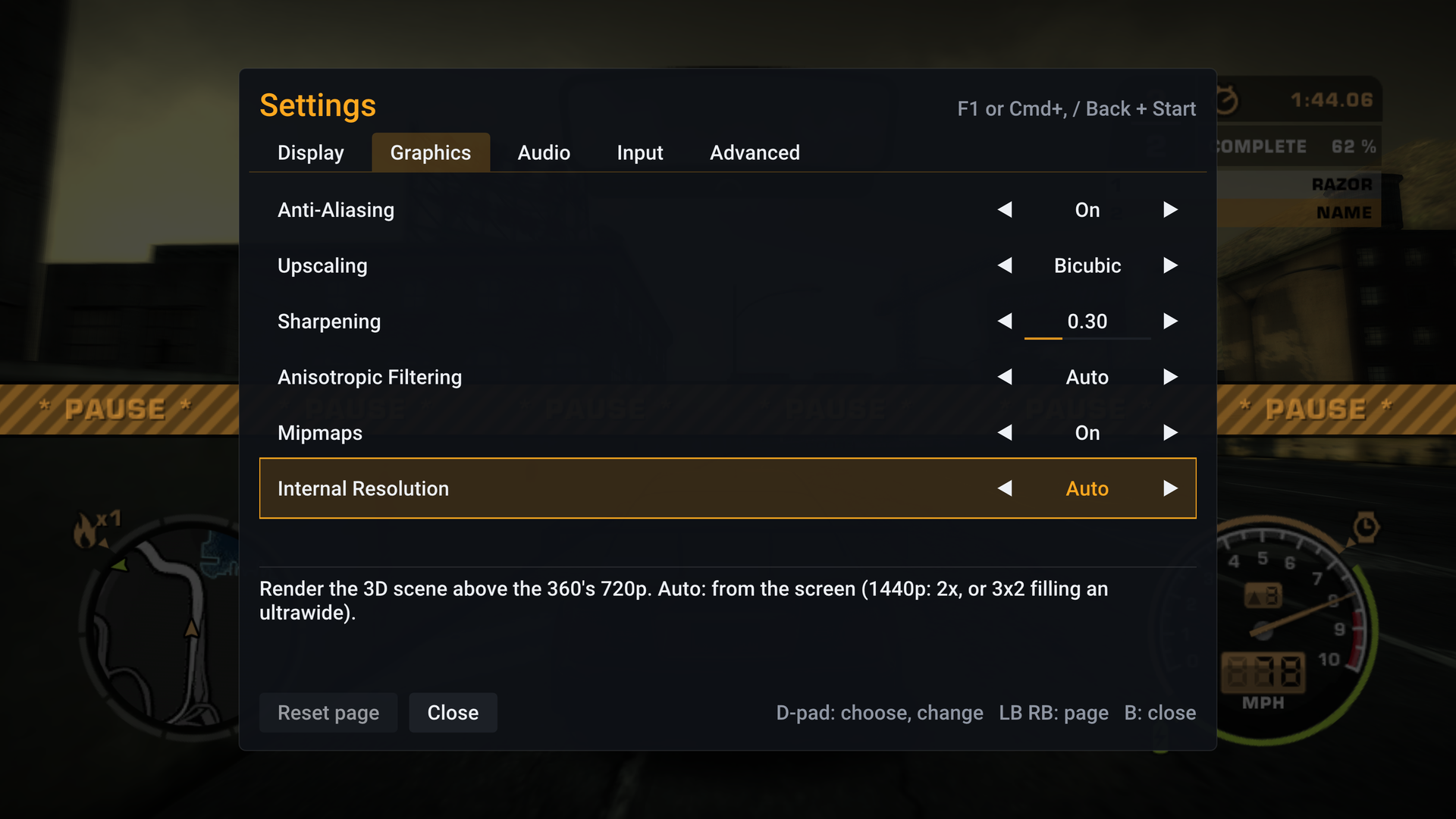
Yes, since v0.1.2: Settings › Graphics › Internal Resolution › 1.5x renders the 3D scene at 1080p. It's much sharper than 1x for a little over half the pixels of 2x, for graphics that have room above 1x but not for 2x.
Why does the picture look a little different since v0.1.4?
Since v0.1.4 SpeedBreaker applies the display correction the game itself sets for an Xbox 360 on a TV: slightly deeper shadows and slightly brighter mid-tones, as the console shows them. With it on, the game's own Brightness slider (pause menu › Options › Video) works too. Prefer the earlier, flatter picture? Turn off Settings › Display › Xbox 360 Display Gamma. Settings › Display › Brightness adjusts the picture for your screen or room.
How do I quit the game?
Open the settings menu (F1, Cmd+, on a Mac, or Back + Start on a controller) and choose Quit Game at the bottom; it asks first. Settings › Display › Fullscreen decides whether the game starts fullscreen or in a window.
Open the settings menu (F1, Cmd+, on a Mac, or Back + Start on a controller) and choose Quit Game at the bottom; it asks first. On a Mac, Cmd+Q works too. Since v0.1.4, Settings › Display › Fullscreen decides whether the game starts fullscreen or in a window.
Can I keep everything in one folder?
Yes, on Steam Deck, Steam Machine and Linux. Put an empty file named portable.txt next to speedbreaker.sh in the SpeedBreaker-Carbon folder, and your saves, settings, caches and the installed game all live in that folder, so you can move or copy it to another machine. To bring what you have now along, run speedbreaker.sh --portable on instead. How it works
Yes, on Steam Deck, Steam Machine and Linux, since v0.1.2. Put an empty file named portable.txt next to speedbreaker.sh, and your saves, settings, caches and the installed game all live in that folder, so you can move or copy it to another machine. To bring what you have now along, run speedbreaker.sh --portable on instead. How it works
My laptop has two graphics chips. Which one does it use?
The dedicated graphics card, and on Linux with NVIDIA's driver the launcher also turns on NVIDIA's PRIME render offload. To pick another GPU, set NFSMW_GPU in the launch options. How it works
Since v0.1.2 it picks the dedicated graphics card, and on Linux with NVIDIA's driver the launcher also turns on NVIDIA's PRIME render offload. That isn't confirmed on a real two-GPU laptop yet, so a report from yours helps. To pick another GPU, set NFSMW_GPU in the launch options. How it works
Is it VR on the Steam Frame?
No. It plays on a big flat screen in the headset. For the smoothest ride there, set Display › Frame Rate to 30 fps. The game keeps its full speed.
No. It plays on a big flat screen in the headset. If the picture isn't smooth there, set Display › Frame Rate to 30 fps. The game keeps its full speed.
Are my saves kept when I update?
Yes. Your saves, settings and the installed game are kept, and no disc image is needed: on a Mac, drag the new app into Applications and choose Replace; on SteamOS, unpack the new download over the old folder. Settings › Advanced › Check for Updates tells you when a new version is out.
SpeedBreaker: Carbon is its own app with its own saves and settings, so it sits side by side with SpeedBreaker for Most Wanted; neither touches the other.
What about Windows and Android?
A Windows beta is out: get it from the GitHub releases page. It's a beta, so reports from your PC help a lot. Android is coming; no date yet.
A Windows beta is out: get it from the GitHub releases page. It's a beta, so reports from your PC help a lot. Android is coming; no date yet.
Downloaded over 9,900 times