SpeedBreaker
Most Wanted, the way you remember it.
The definitive Need for Speed: Most Wanted recompilation. Built from the 2005 Xbox 360 version, the best-looking one, and made sharper, wider and smoother for the modern era.
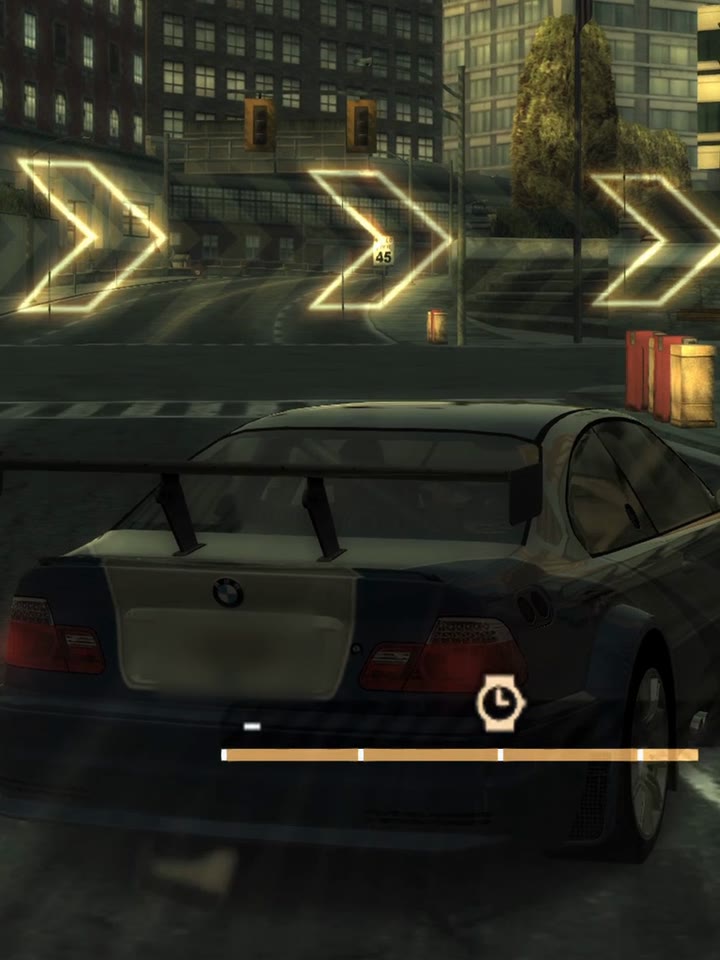
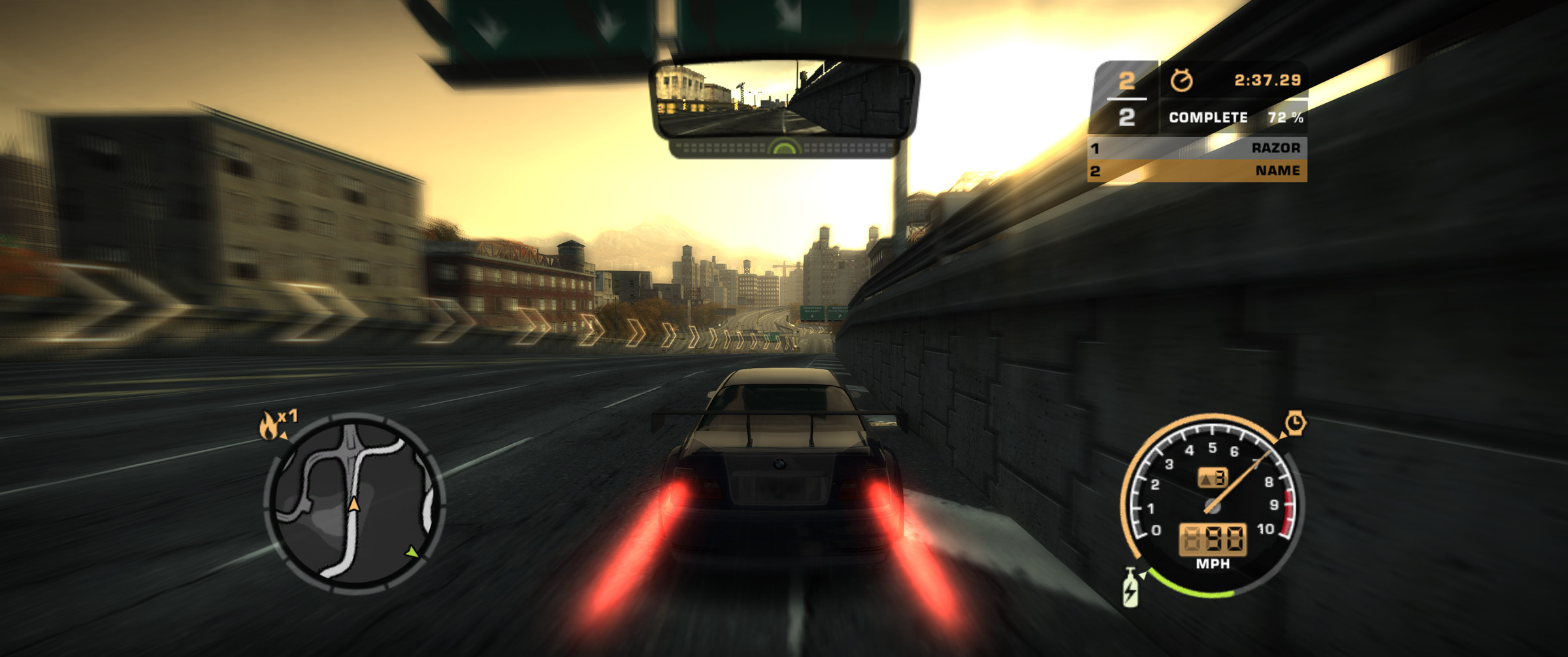
Gameplay captured from SpeedBreaker on macOS on an M1 Pro chip at 60 fps and 1440p.
SteamOS
At home on Steam hardware
Handheld, living room or headset: it runs natively on each one.
-
Steam Deck
In your hands, with the built‑in controls.
-
Steam Machine
On your TV or monitor. Ultrawide shows more road.
-
Steam Frame
A giant flat screen in the headset. Not VR.


SteamOS on all three. Install it on each device and add it to Steam, then launch it from your library like any other game. The Steam Frame has its own download.
Why SpeedBreaker
Better than you remember it
The golden-hour haze. The Blacklist. Pursuits that never let up, and every live-action cutscene. It's all here, the way the Xbox 360 drew it, with a few modern comforts on top.
-
Up to 60 fps
The game's full 60, paced to your display. Prefer a steady 30? It's a setting. Higher frame rates are being explored.
-
Every screen shape
Ultrawide shows more road; a 4:3 iPad, more above and below. Nothing stretched.
-
Sharp, and true to the original
Up to 4K, with the original colours, reflections and low-sun glare.
-
On the devices you own
Steam Deck, Steam Machine, Steam Frame, Linux PCs and Macs, plus iPhone and iPad.
-
Installs in a few clicks
Point it at your disc backup. It checks every file and sets the game up for you.
-
Grab a controller
Your controller plays like an Xbox 360 pad, rumble included. Keyboard works too.
How it works
Three steps to the starting line
-
Step 1: Back up your disc
Make a disc image of your own Xbox 360 copy (the USA release). SpeedBreaker comes with no game files.
-
Step 2: Download SpeedBreaker
Get it for Steam Deck, Steam Machine, Steam Frame, Linux or Mac. On iPhone and iPad, you build it yourself.
-
Step 3: Point it at your disc image
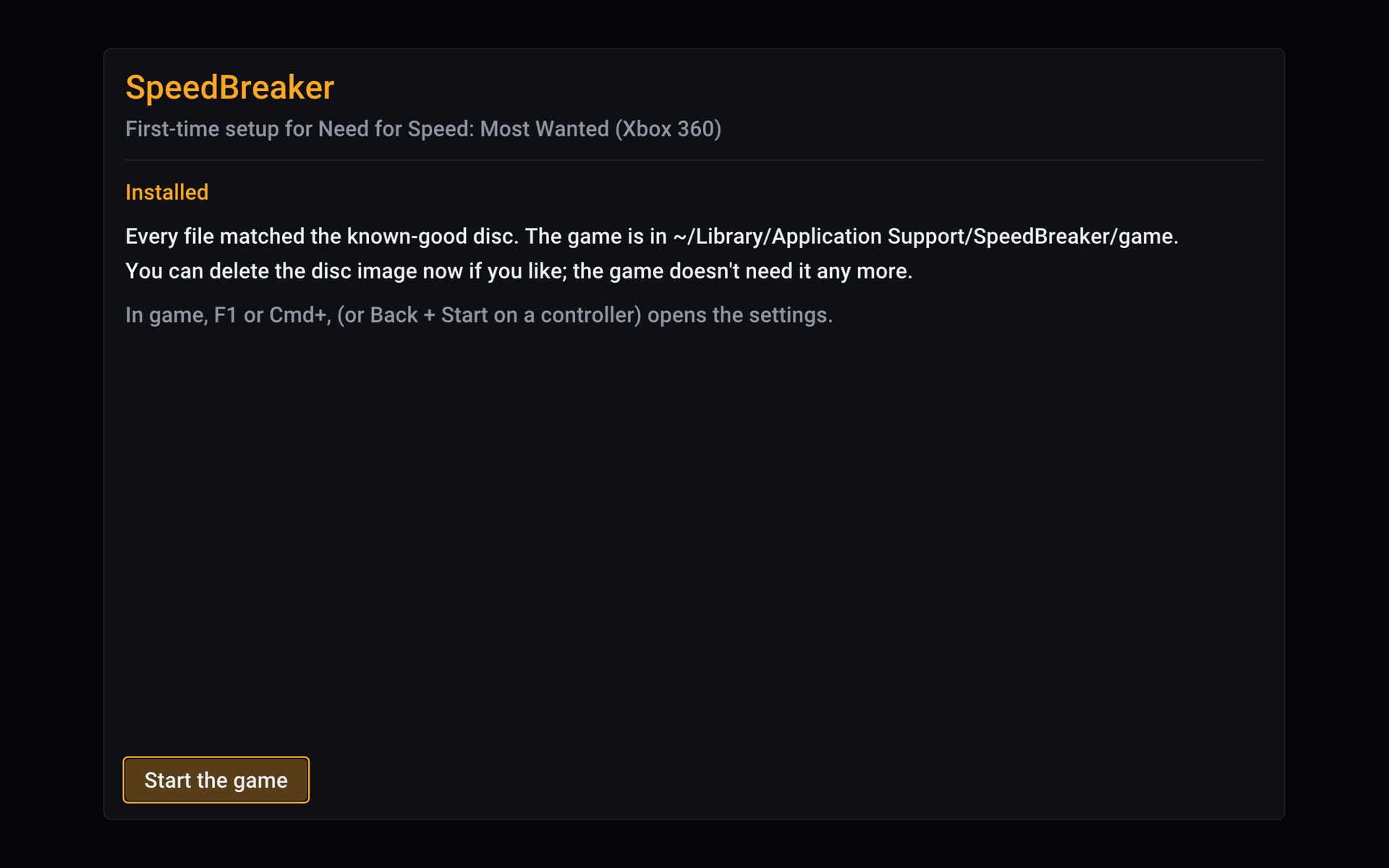
It finds the image, checks every file and installs the game. Then hit the road.
Screenshots
Straight out of SpeedBreaker
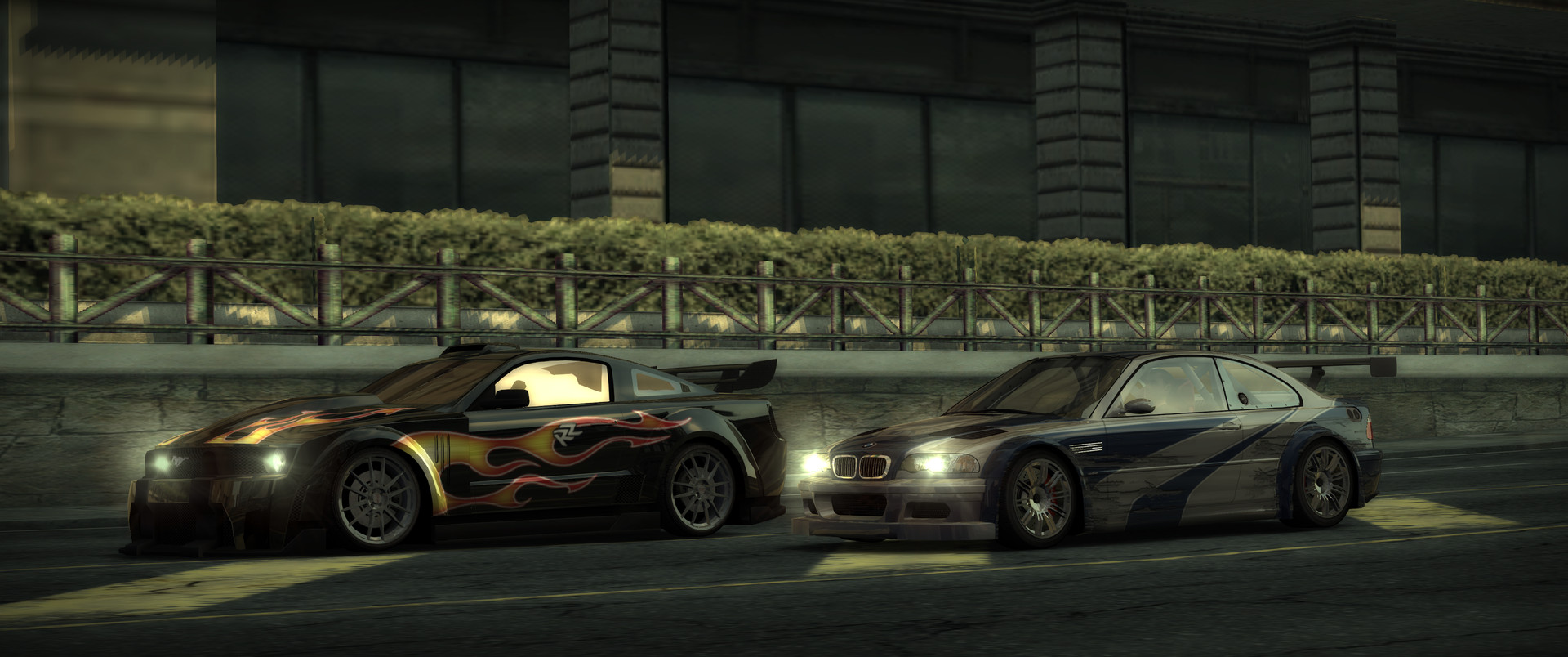
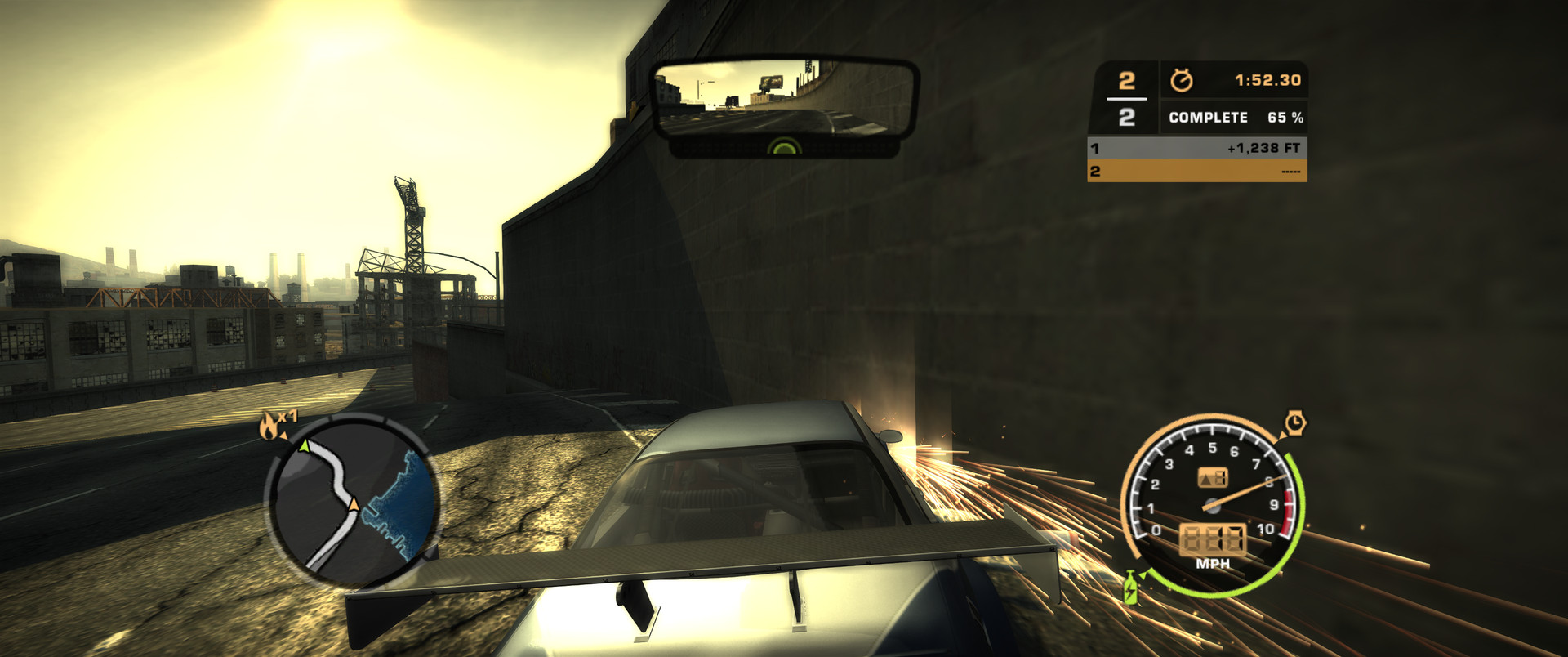
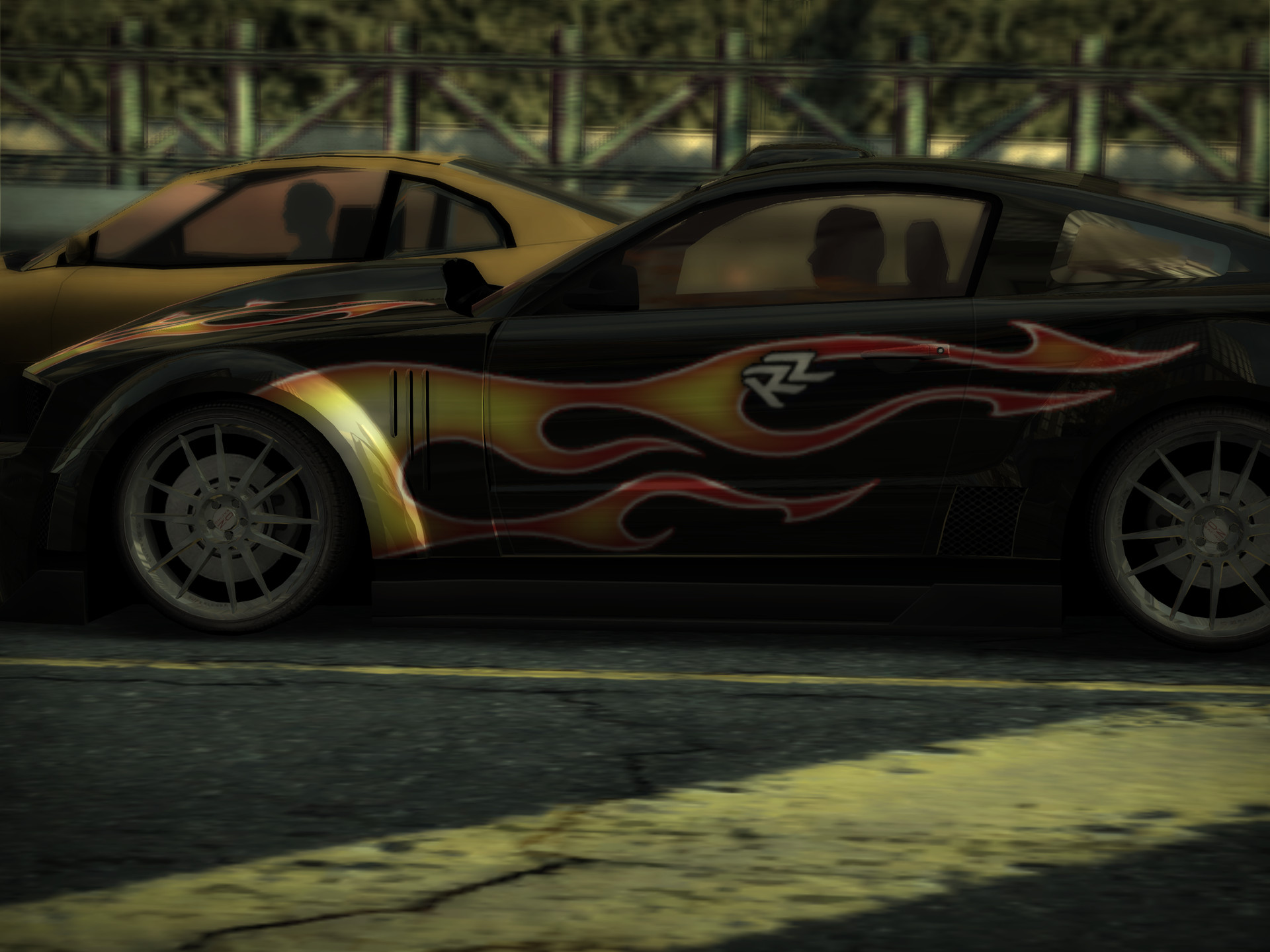
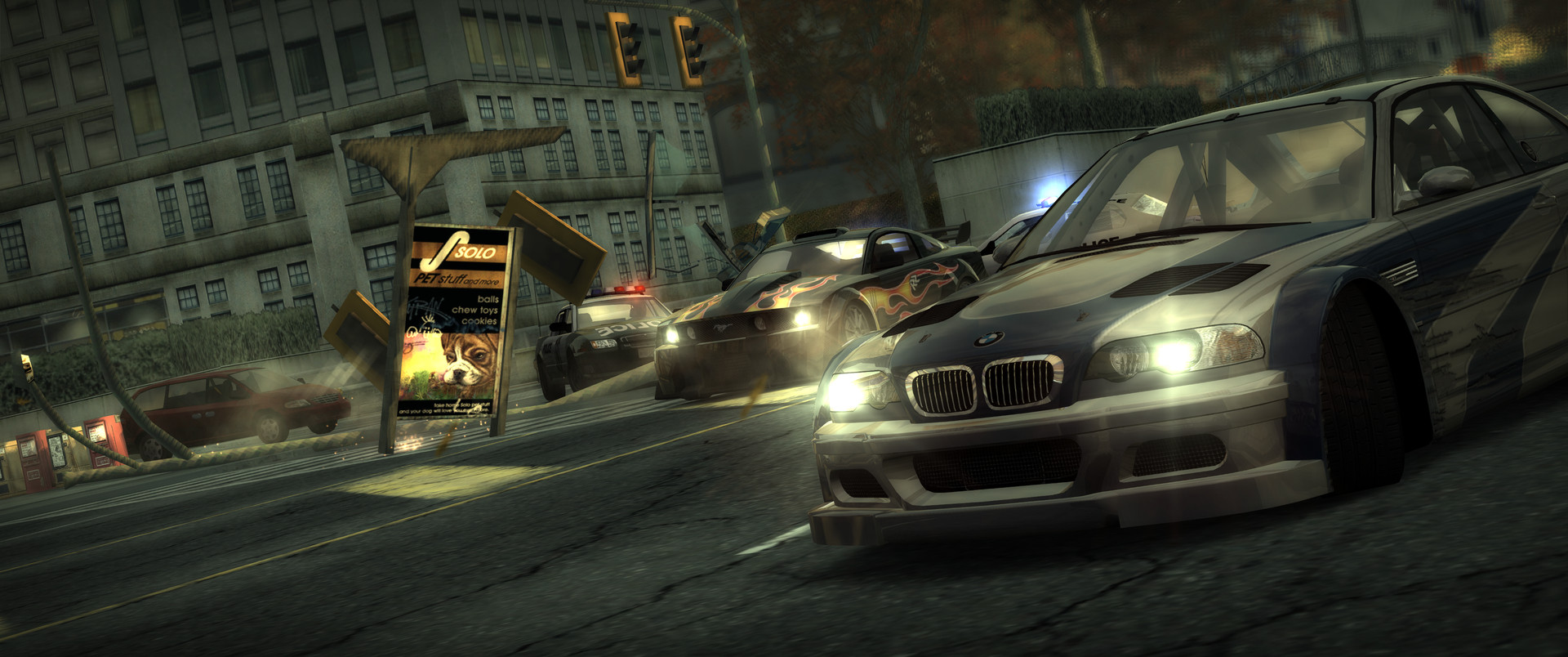
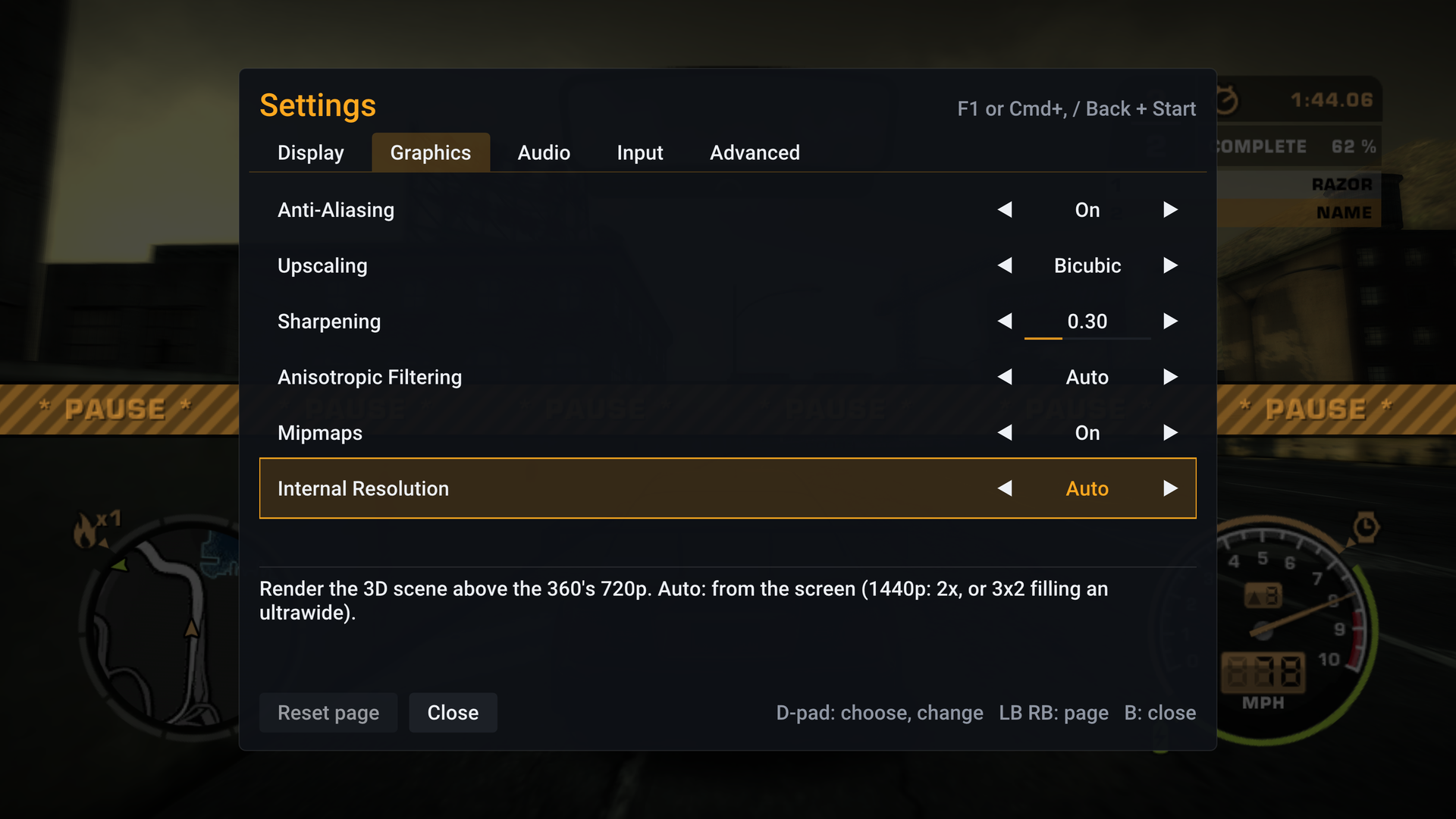
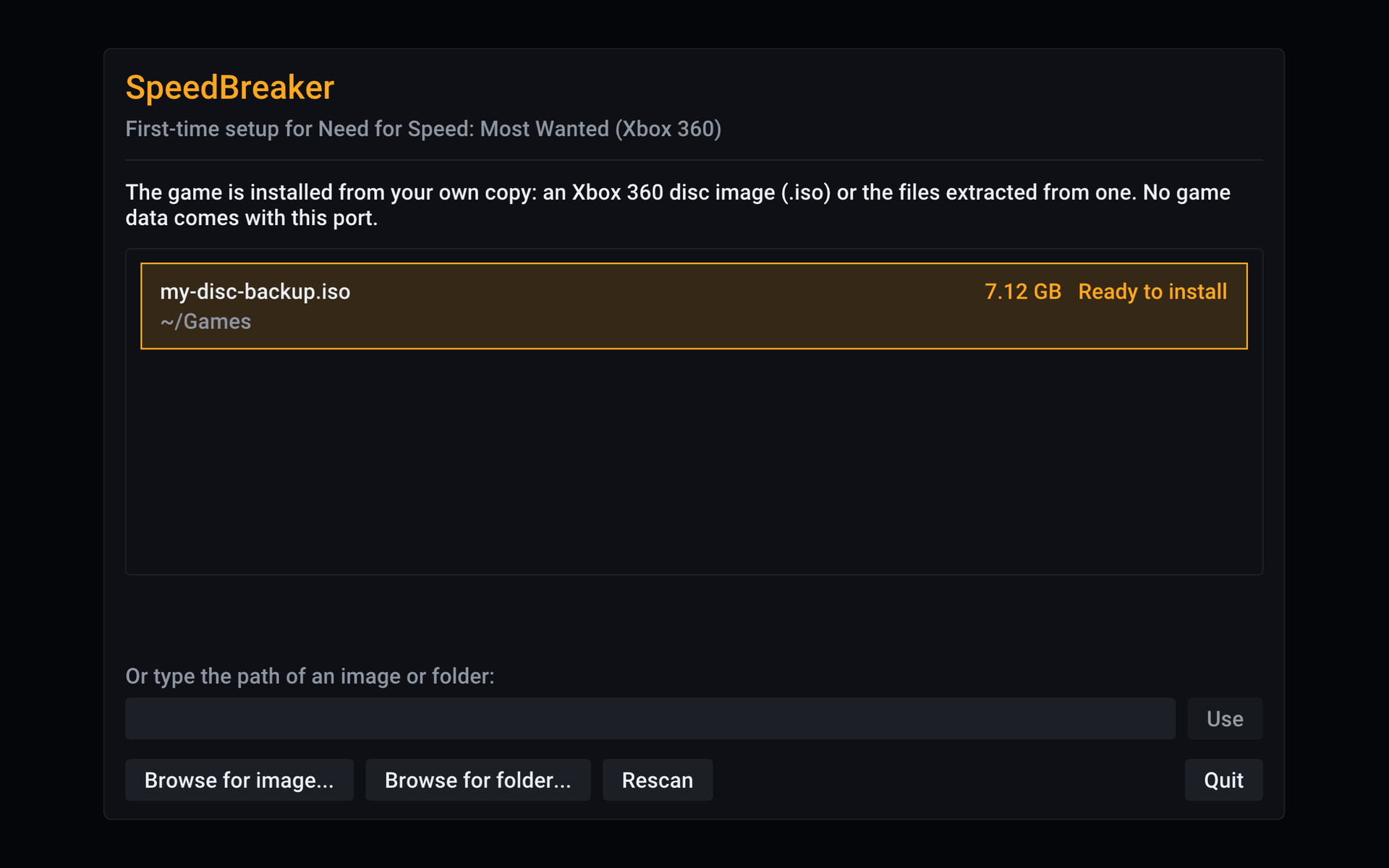
Real frames from the game running in SpeedBreaker. Tap any shot to see it full size.

Platforms
Pick your device
Every device, and what it needs.
-
Steam Deck
DownloadOn a Deck OLED, set the screen to 60 Hz for smooth motion. Tested on the OLED, not yet the LCD.
-
Steam Machine
DownloadIn Steam, set its Game Resolution to Native. Tested on a 3440×1440 ultrawide, which shows more road.
-
Steam Frame
DownloadSet Frame Rate to 30 fps for the smoothest ride in the headset. A flat screen, not VR. Its own version, for the Frame only.
-
Linux PC
DownloadAn Intel or AMD processor with AVX2, and Vulkan 1.2 graphics. Tested on SteamOS so far.
-
Mac
DownloadApple silicon, macOS 26 or later. Not notarized by Apple yet: allow it in Privacy & Security.
-
iPhone & iPad
Build it yourselfYou'll need Xcode on a Mac, and a controller or keyboard. iOS or iPadOS 17 or later, on an iPhone 13 or newer or an M‑series iPad.
-
Windows, coming soon
Android, coming soon
FAQ
Quick answers
Is this an official EA product?
No. SpeedBreaker is an unofficial fan project, not affiliated with, endorsed by or sponsored by Electronic Arts or the Need for Speed brand.
Does it come with the game?
No. You need a backup of your own Xbox 360 disc. SpeedBreaker doesn't include, provide or link to game files.
Which copy of the game do I need?
The USA Xbox 360 disc (English). The installer checks your copy and tells you if it's a version it doesn't support.
Is it an emulator?
No. It's a static recompilation: the game's Xbox 360 code was translated ahead of time into a native app for your device, so that code runs directly instead of being emulated.
Can it run above 60 fps?
Not yet. Most Wanted's physics, AI and timers are built around 60 steps a second, so simply running it faster changes how the game plays. Higher frame rates (120 Hz and up) are being investigated in a way that keeps the gameplay exactly as it is.
My Mac says it can't open SpeedBreaker.
The Mac app isn't notarized by Apple yet. Try to open it once, then go to System Settings › Privacy & Security, click Open Anyway and confirm with your password. You only need to do this once per download. SpeedBreaker needs macOS 26 or later.
Does it run on Intel Macs?
Not right now. The Mac download needs Apple silicon (M1 or newer) and macOS 26 or later. An Intel Mac version may come later, but there's no Intel Mac to test it on yet. On x86 PCs, SpeedBreaker needs a processor with AVX2: Intel Haswell (2013) or newer, or AMD Excavator or Zen.
How do I get it on iPhone or iPad?
You build it yourself with Xcode on a Mac and install it on your own device. There's no download, and it isn't on the App Store. It needs iOS 17 or later (iPhone 13 or newer, or an M‑series iPad) and a controller or keyboard. How it works
Why are there thin bars on my Steam Deck?
The Deck's screen is a little taller than the game, so you get thin bars instead of a stretched picture. On a Deck OLED, set the screen to 60 Hz for smooth motion.
Is it VR on the Steam Frame?
No. It plays on a big flat screen in the headset. For the smoothest ride there, set Display › Frame Rate to 30 fps. The game keeps its full speed.
Are my saves kept when I update?
Yes. Saves and settings live apart from the game, so a newer SpeedBreaker keeps them.
What about Windows and Android?
Both are coming. No dates yet.